C8000 Battery Testing System User Manual
Battery Tester 41
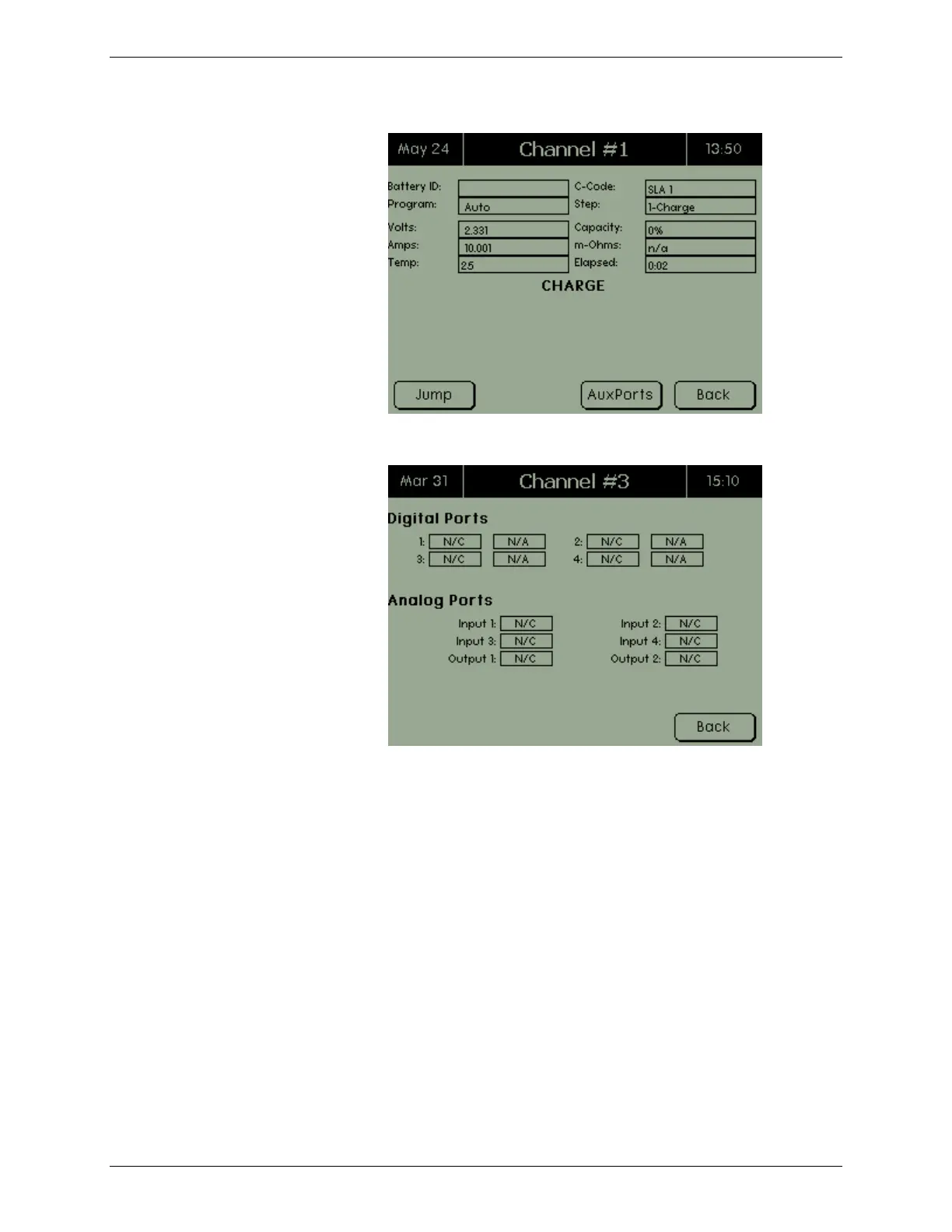
2. Press AuxPorts. The Auxiliary Ports screen appears.
3. Press BACK twice to return to the Channel screen.
2.7.1.5 Jump to a Specific Program Step
A program may contain one or more action steps. The “JUMP”
command allows the ability to move immediately from the
current action step to any of the other action steps, within the
active program - for example, Charge, Discharge, Rest, and so on.
The Jump function moves to a specific step in the program.
1. From the Channel screen, press MORE. A second Channel
screen appears.



 To Next Page