C8000 Battery Testing System User Manual
132 3 Cadex BatteryLab
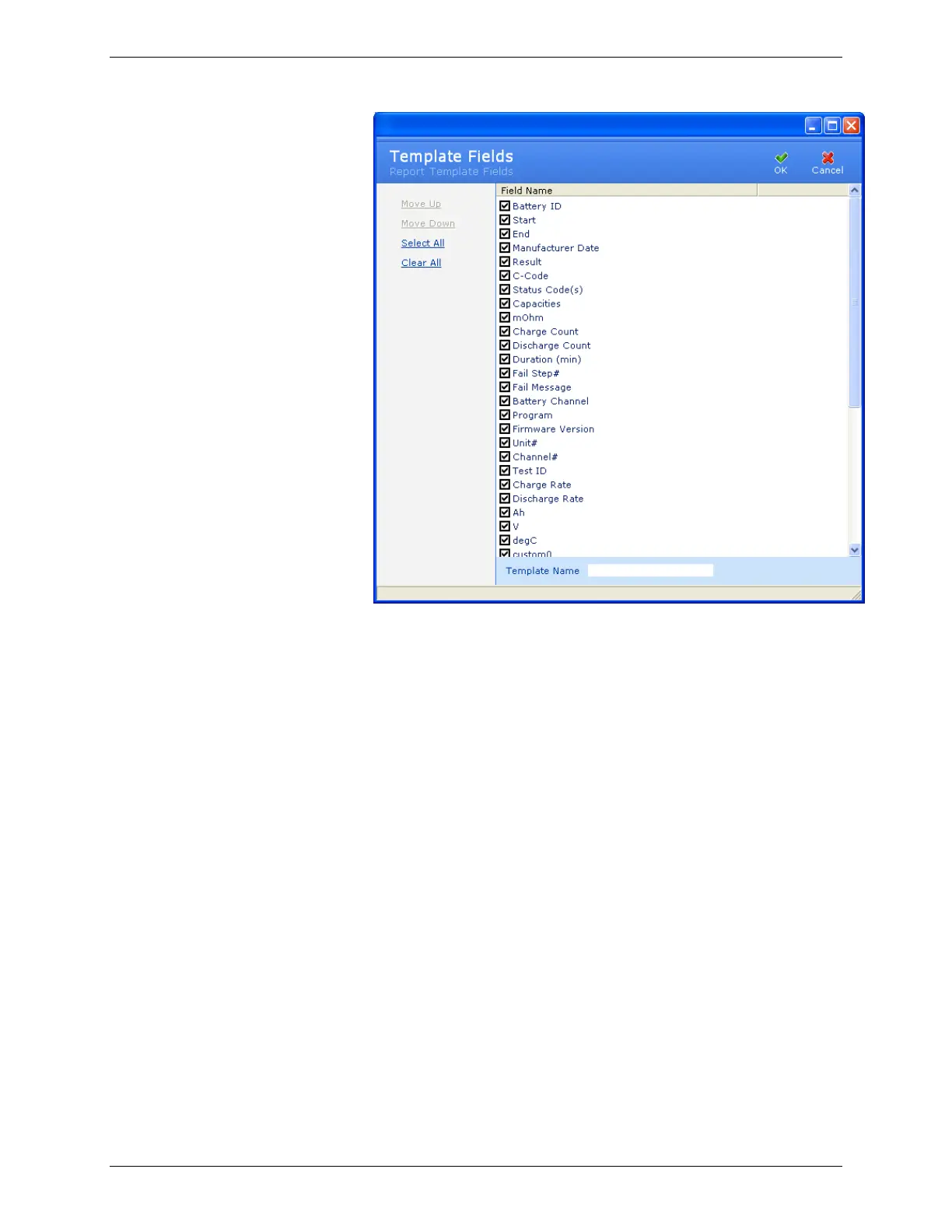
Clear the check box next to a field’s name to exclude that
field from the report template. Select the check box next to
the field’s name to include that field in the report template.
To quickly select all fields for inclusion in the report
template, click Select All; to exclude all fields from the report
template, click Clear All.
To move the position of a field up or down in the report
template, click the field name and then click Move Up or
Move Down. This sets the order that the fields will appear in
reports using this template.
6. Click OK. The new report template appears in the Report
Template window.
3.7.2.6 Set Up Your Printer
Report printing requires that a printer driver is installed on the
operating system and that a default printer driver is specified in
the Printers folder (Start > Settings > Printers). Next, specify the
default windows printer driver by right-clicking the printer’s icon
and selecting Set as Default Printer. This must be done at the
operating system level before running BatteryLab.



 To Next Page