C8000 Battery Testing System User Manual
3 Cadex BatteryLab 133
After launching BatteryLab the first time, specify the default
Windows printer driver for printing reports.
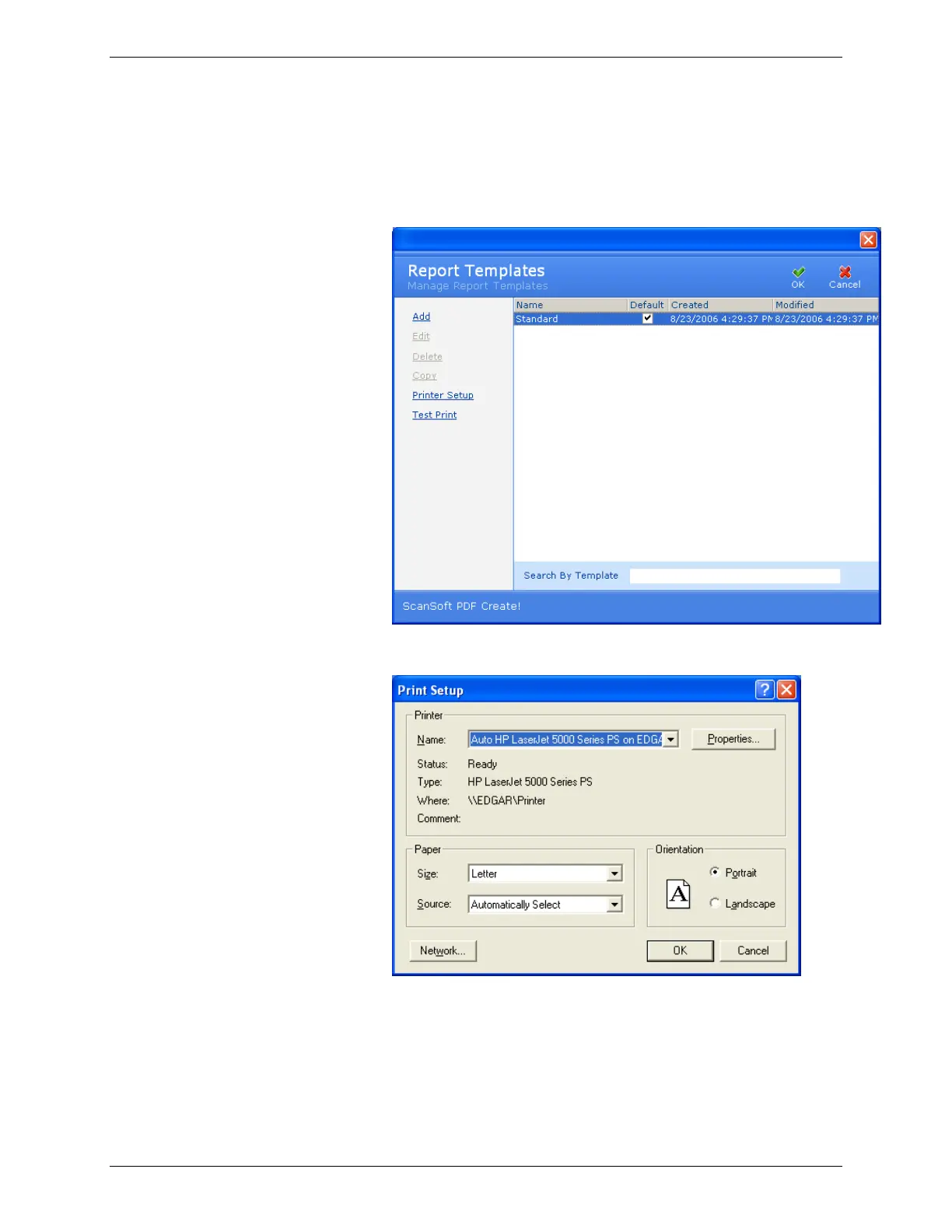
1. From the Tools menu, select Report Template. The Report
Templates window appears.
2. Click Printer Setup. The Print Setup window appears.
3. Select the properties (paper size and source and the
printing orientation) for the printer test.
4. Click OK.
After specifying printer settings, print a test.
Click Test Print. A sample test report is printed.



 To Next Page