C8000 Battery Testing System User Manual
40 2 Battery Tester
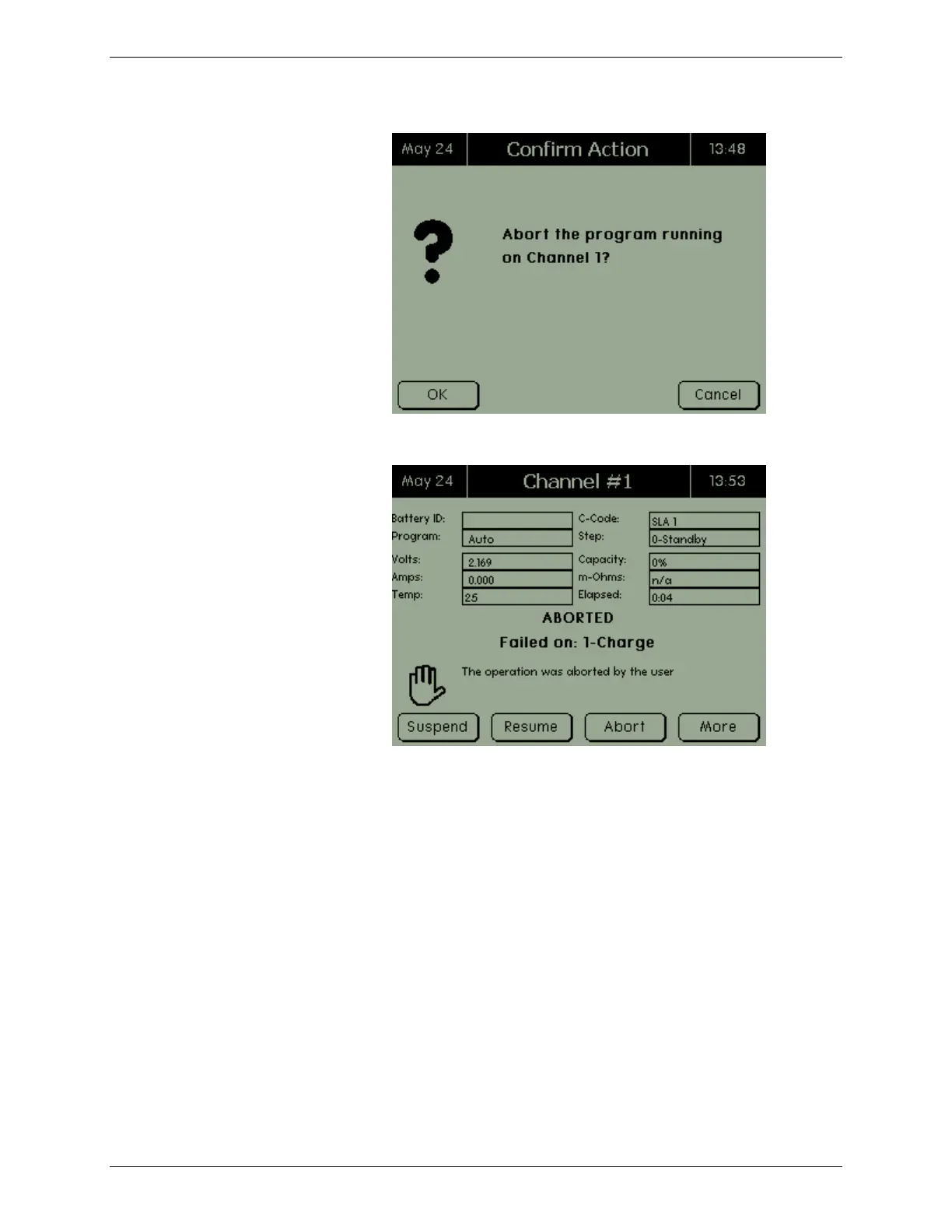
2. Press OK. The Aborted screen appears.
2.7.1.4 View Auxiliary Port Information
While a program is active, the current program configuration can
be viewed.
1. From the Channel screen, press MORE. A second Channel
screen appears.



 To Next Page