C8000 Battery Testing System User Manual
134 3 Cadex BatteryLab
3.8 Battery ID Database
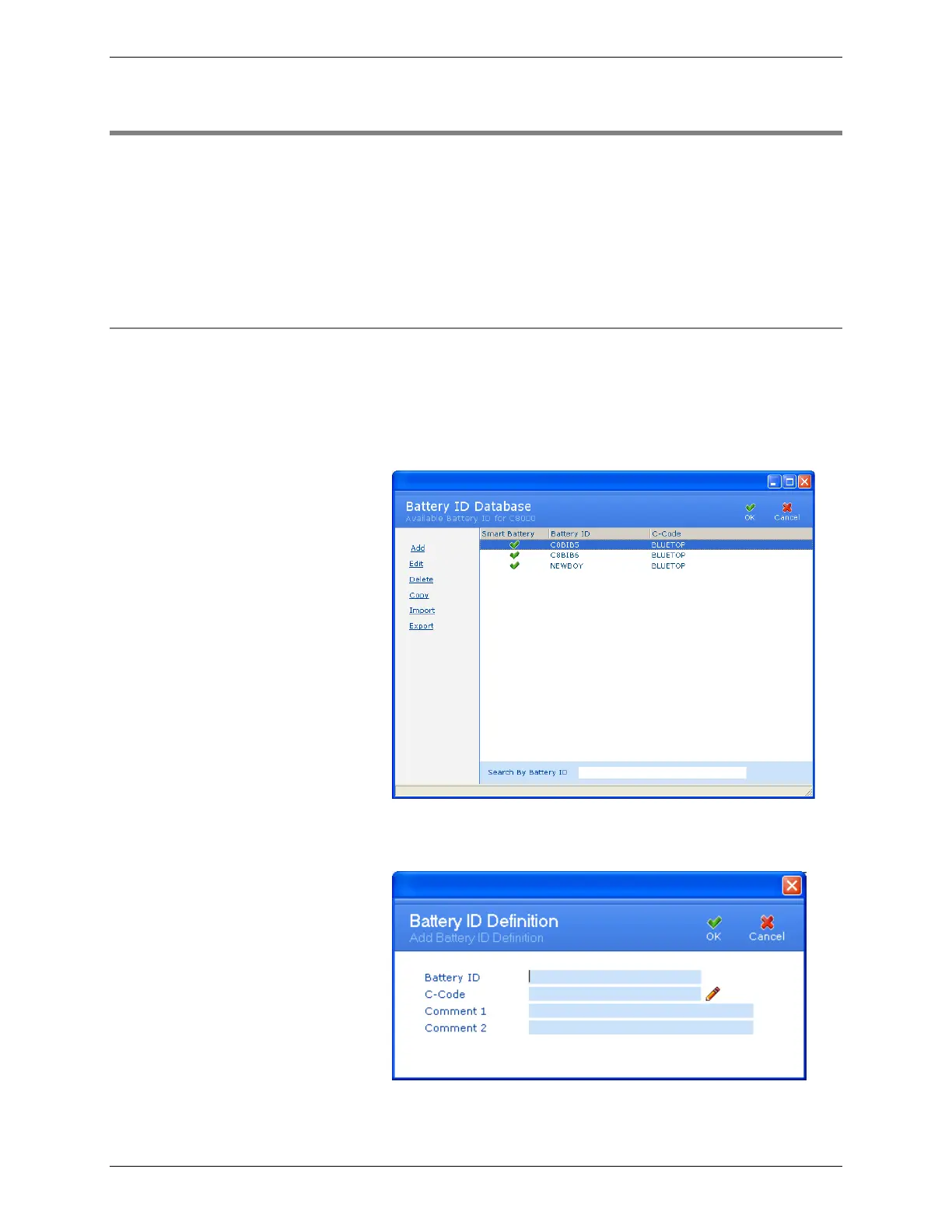
A battery ID identifies a physical battery with a unique ID. The
Battery ID Database window displays the battery ID and the
corresponding c-code for each battery ID. (Note: The
corresponding c-code may be changed at any time.) The C-Code
Database window describes a specific battery type and the
settings required to process that battery type.
3.8.1 Add a Battery ID
1. From the Database menu, click Battery ID. The Battery ID
Database window appears. A green check mark in the
Smart Battery column indicates that the associated c-code is
configured as an SM-Bus c-code.
2. Click Add. The Add Battery ID Definition window
appears.
3. Type a name for the battery in the Battery ID field.



 To Next Page