C8000 Battery Testing System User Manual
3 Cadex BatteryLab 81
shared system components that were installed by the
installer during setup.
4. Follow the steps through the uninstall wizard.
Uninstalling removes all BatteryLab information, including the
test results database.
3.1.6 Software Updates
3.1.6.1 Software Version
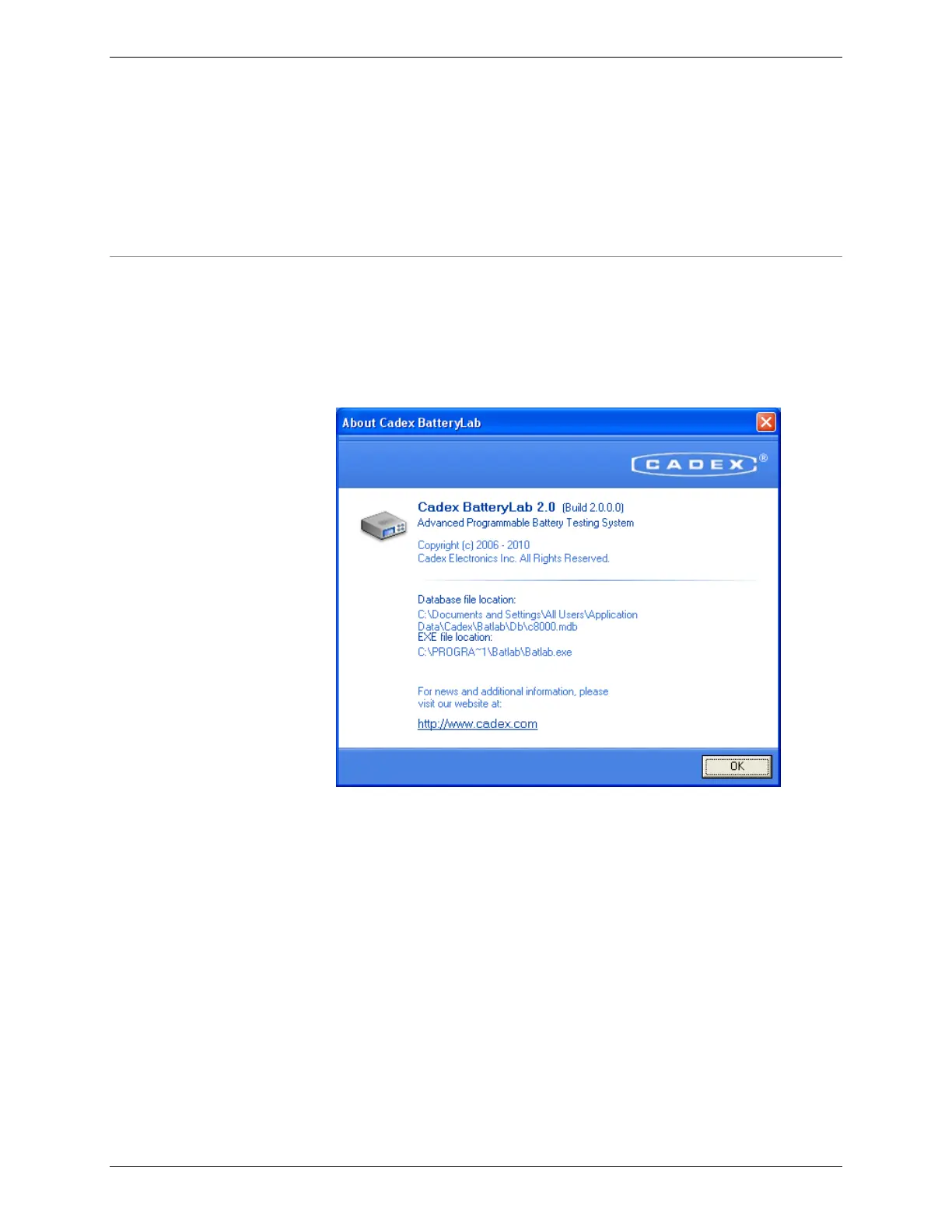
To see what version of BatteryLab is installed on the computer,
select About from the Help menu. The build number and the
location of the database files appears in the About window.
3.1.6.2 Update BatteryLab Software
When a new version of BatteryLab becomes available, registered
users can download it from the Cadex website.
The download is a compressed executable file (with file extension
.EXE).
Running the downloaded executable will run Setup and install a
new version of the software.



 To Next Page