C8000 Battery Testing System User Manual
72 2 Battery Tester
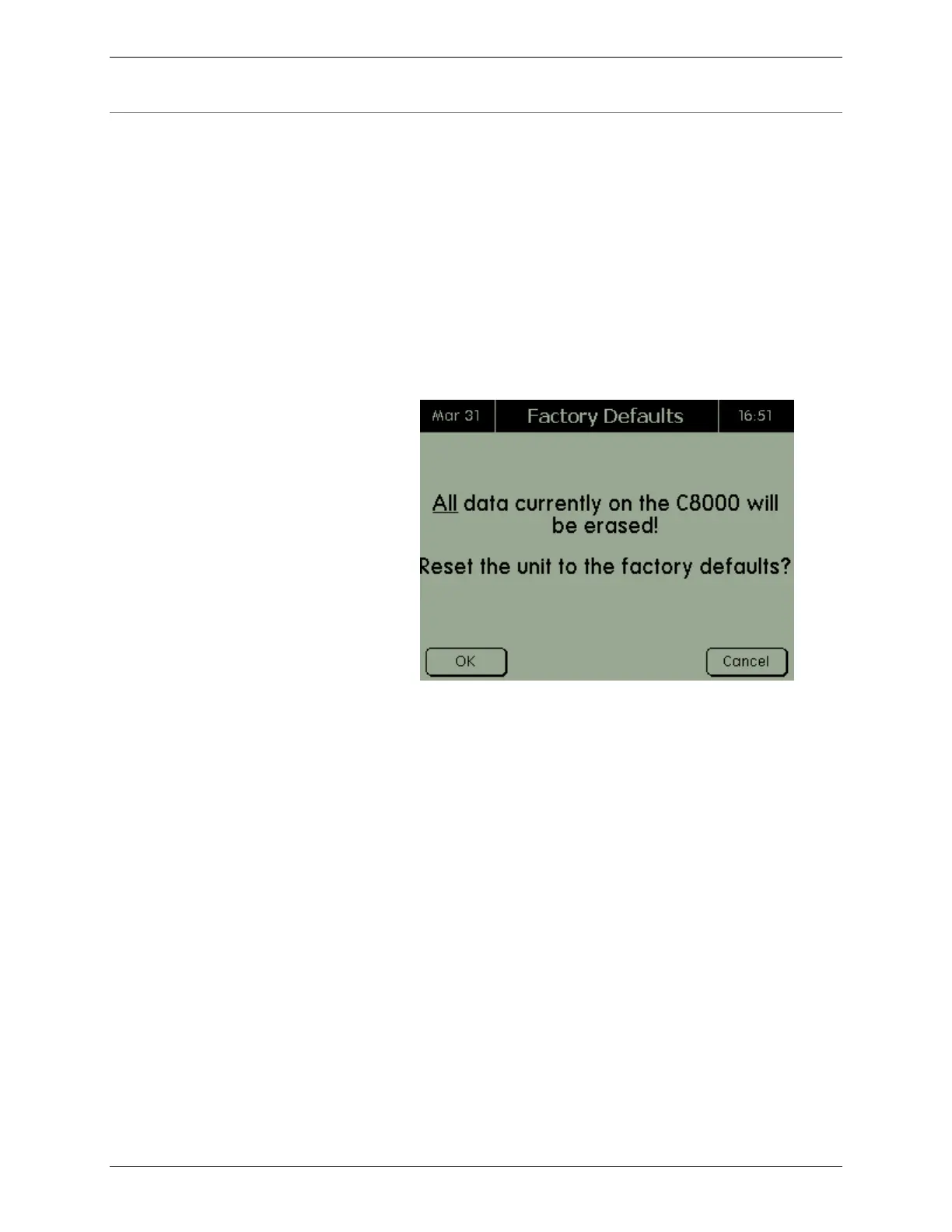
2.11.10 Factory Defaults
Use this option to restore the C8000 back to its factory default
settings. Warning: Restoring factory defaults erases all saved
data, customized programs, waveforms, and c-codes. This data
should be backed up before proceeding to restore factory
defaults.
1. From the Main screen, select System and press
ENTER. The System Options screen appears.
2. From the System Options screen, select Factory
Defaults and press ENTER. The Factory Defaults
screen appears.
3. Press OK to reset the C8000 to factory defaults.



 To Next Page