C8000 Battery Testing System User Manual
90 3 Cadex BatteryLab
6. Click OK.
3.1.10.4 Disable an IP address
To temporarily disable communications with a C8000, clear the
Enabled check box for the IP address:
1. Open the IP Address Manager.
2. Under the IP address, of the C8000 to disable, clear the
Enabled check box.
3. Click OK.
3.1.11 Start the BatteryLab Program
To execute BatteryLab, double-click the BatteryLab icon on the
desktop.
If there is no BatteryLab icon on the desktop, from the Start menu,
select: Programs > BatteryLab > BatteryLab.
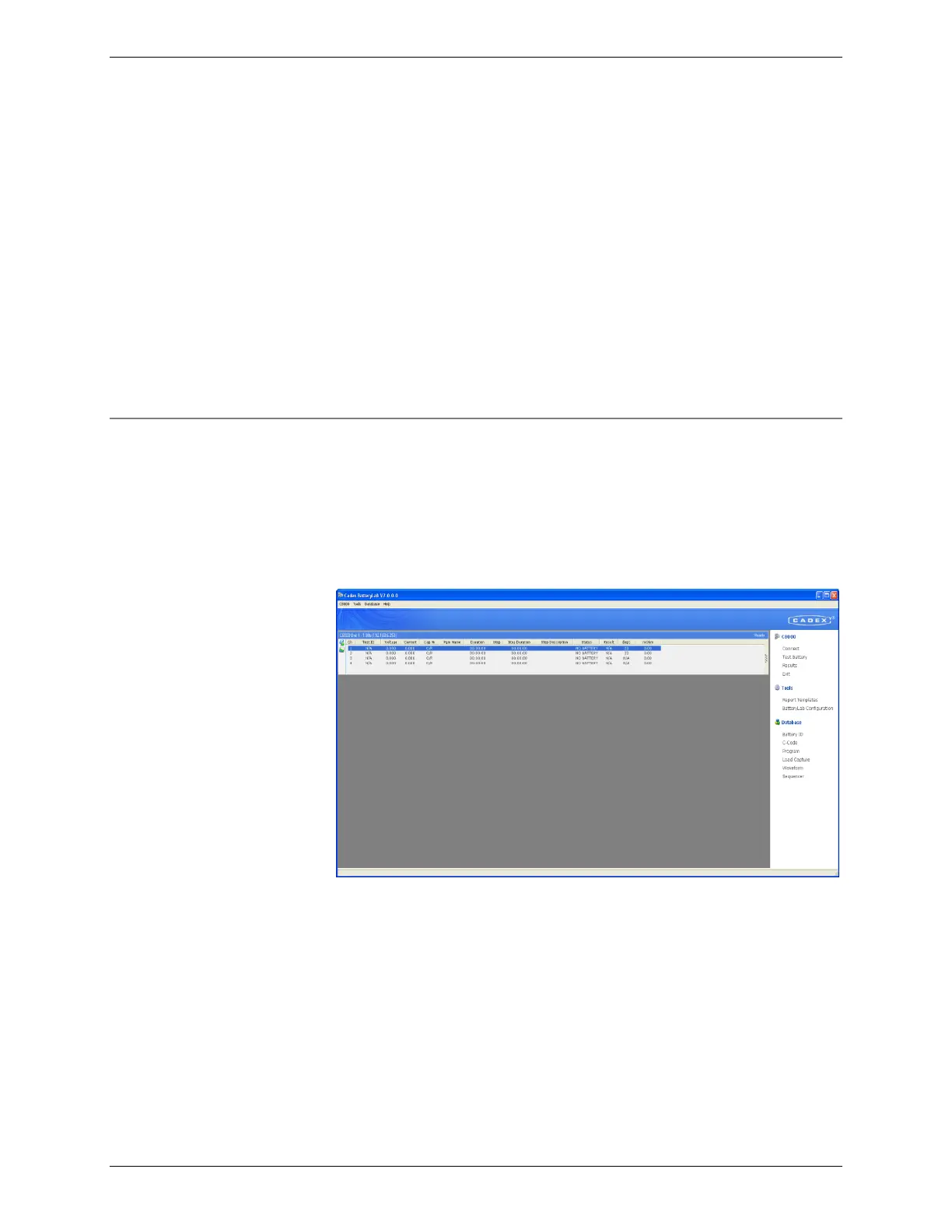
The main window for BatteryLab appears.
3.1.11.1 The Menu Bar
The menu bar on BatteryLab’s main window displays four menus:
C8000, Tools, Database, and Help. Clicking any of these menus
displays a list of menu commands.
The C8000 Menu
Click the C8000 menu item to see the C8000 menu. The C8000
menu contains 15 menu items, as follows:
Connect: BatteryLab will detect connected devices specified in IP
Address Manager. Note that connection will occur automatically



 To Next Page