C8000 Battery Testing System User Manual
Battery Tester 53
2.8.1.1 Create a C-Code
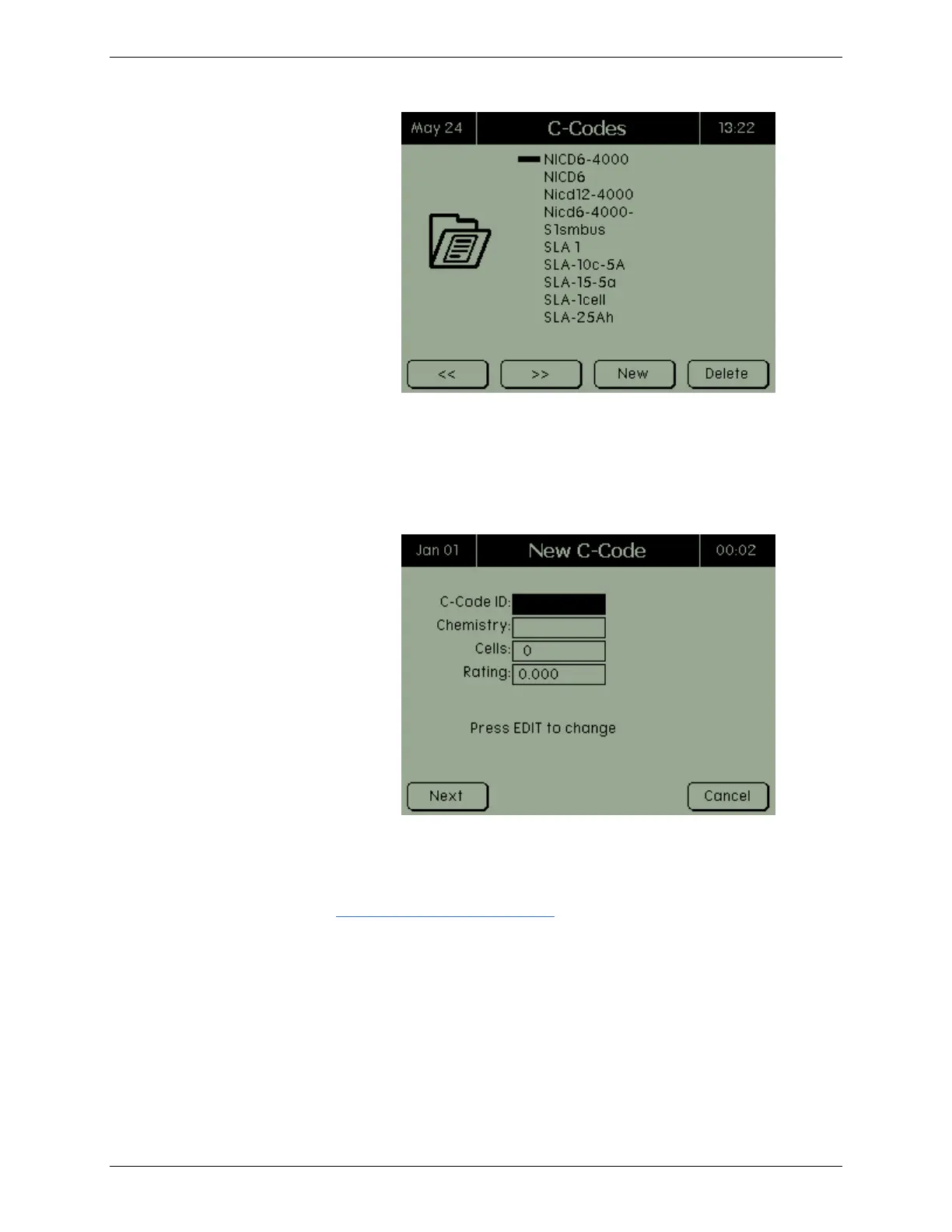
To create a c-code, select View/Edit in the C-Code Options screen
and press NEW.
Enter the c-code identification. To select the chemistry, use the
Enter key or the arrow keys. Press NEXT.
Enter the cells and rating and press ENTER.
Press Next and the battery c-code information appears. Make any
required changes and press OK to save the changes. See section
2.8.1.2 View and Edit a C-Code for detailed information on the
displayed fields.
2.8.1.2 View and Edit a C-Code
To view a c-code’s information, select the c-code in the C-Codes
screen and press ENTER. The Battery C-Code screen appears.
(Note: This screen may differ slightly, depending on the selected
chemistry.)



 To Next Page