C8000 Battery Testing System User Manual
Battery Tester 69
2.11.8 Security
When security is enabled on the C8000, you (or another operator)
cannot delete test results or alter c-codes stored in the unit. Note
that the password is a numeric password only; alphabetic and
alphanumeric characters are not valid in the password.
When security is on (enabled) and the password is entered to
disable the security, the security will automatically enable after a
reboot or after 10 minutes of no activity. To deactivate the security
permanently, disable the security temporarily and enter a new
password of “0000”.
1. From the Main screen, select System and press
ENTER. The System Options screen appears.
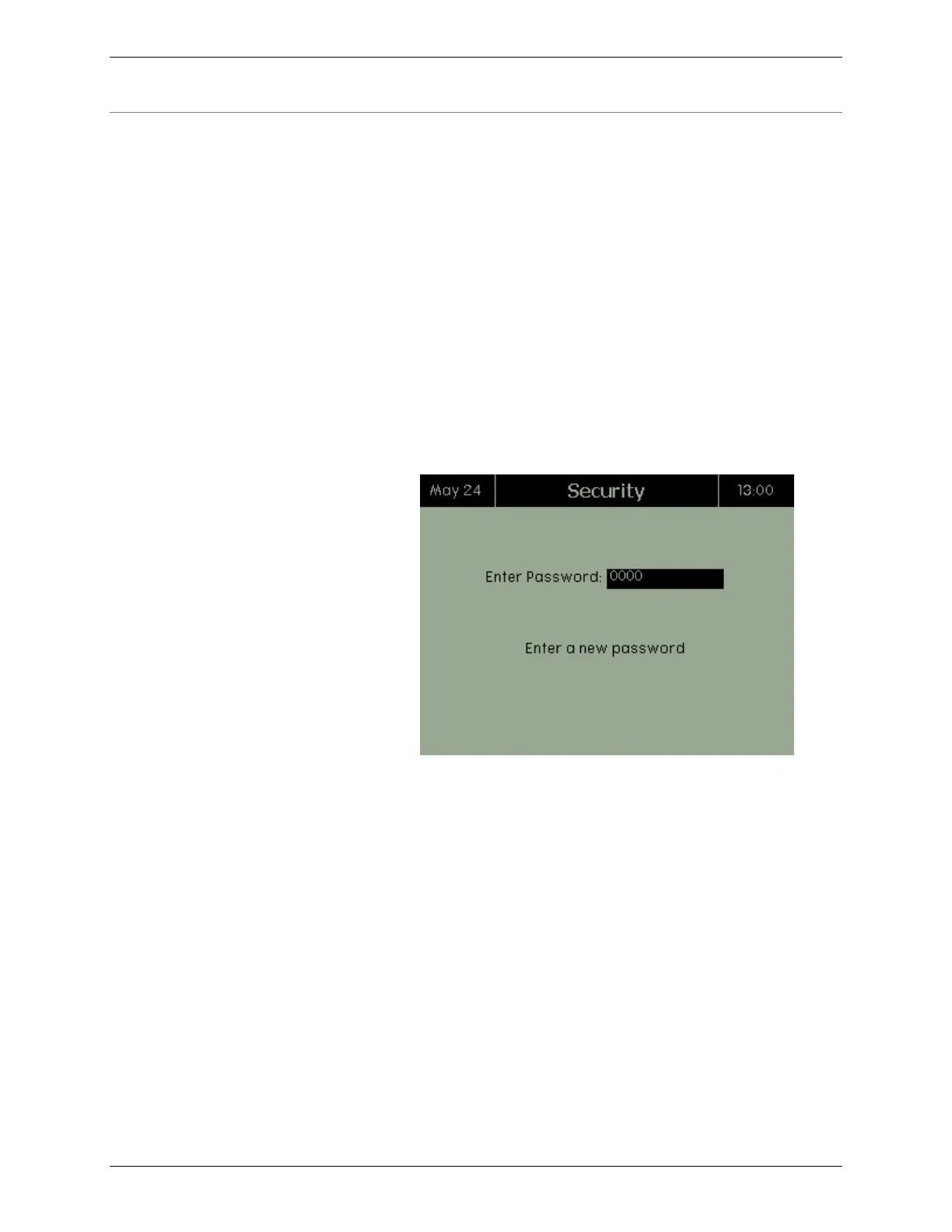
2. From the System Options screen, select Security and
press ENTER. The Security screen appears.
3. In the Enter Password field, enter your password.
4. In the Confirm Password field, enter your password a
second time.



 To Next Page