C8000 Battery Testing System User Manual
80 3 Cadex BatteryLab
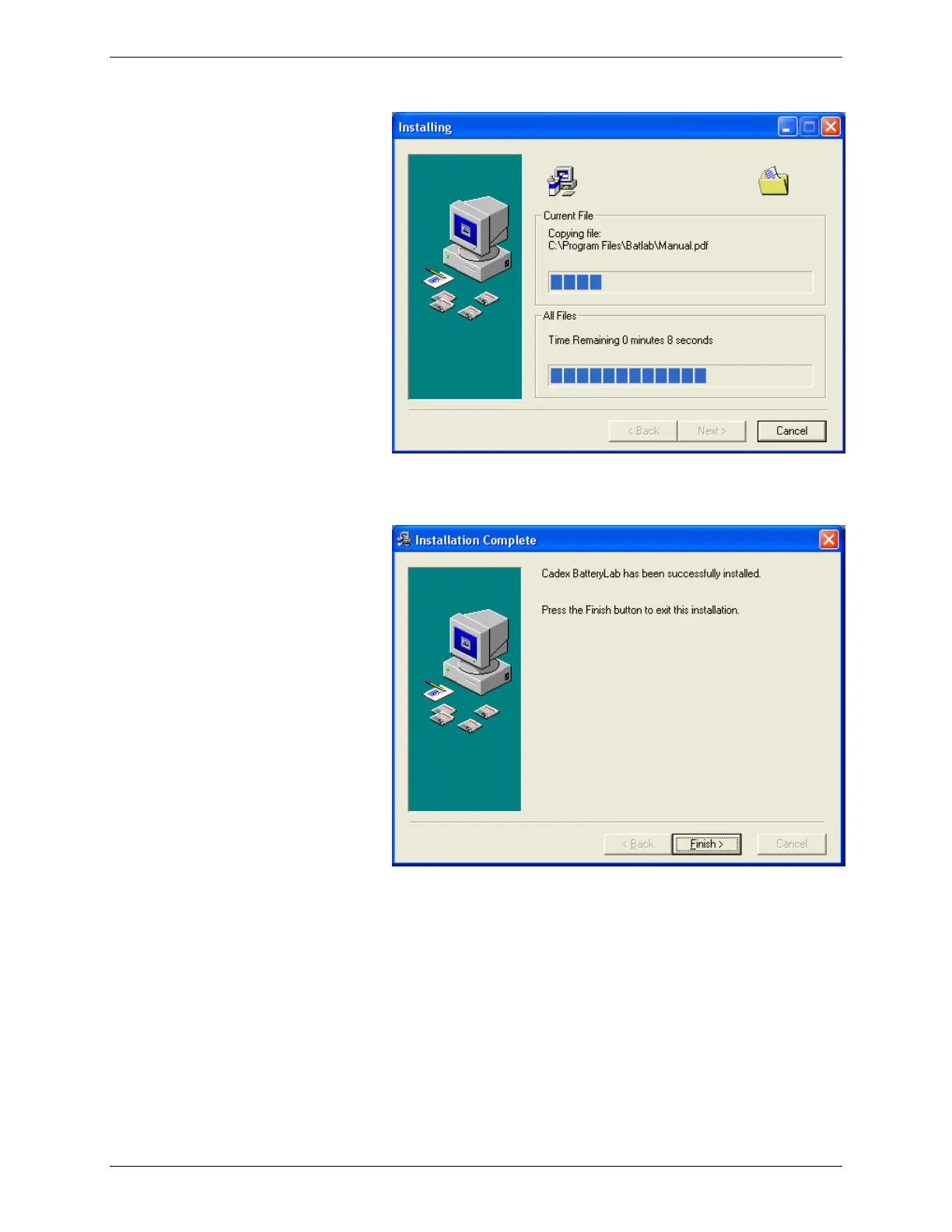
9. The Installation Complete window appears. Click Finish.
3.1.5.2 Uninstall BatteryLab
1. In Control Panel, click Add Remove Programs.
2. Select Cadex BatteryLab and click Remove.
3. You can select either Automatic or Custom. If you select
Custom, select All followed by Next on each successive
dialog box until the software uninstall is complete.
If you choose Automatic, the uninstall process will retain



 To Next Page