C8000 Battery Testing System User Manual
3 Cadex BatteryLab 79
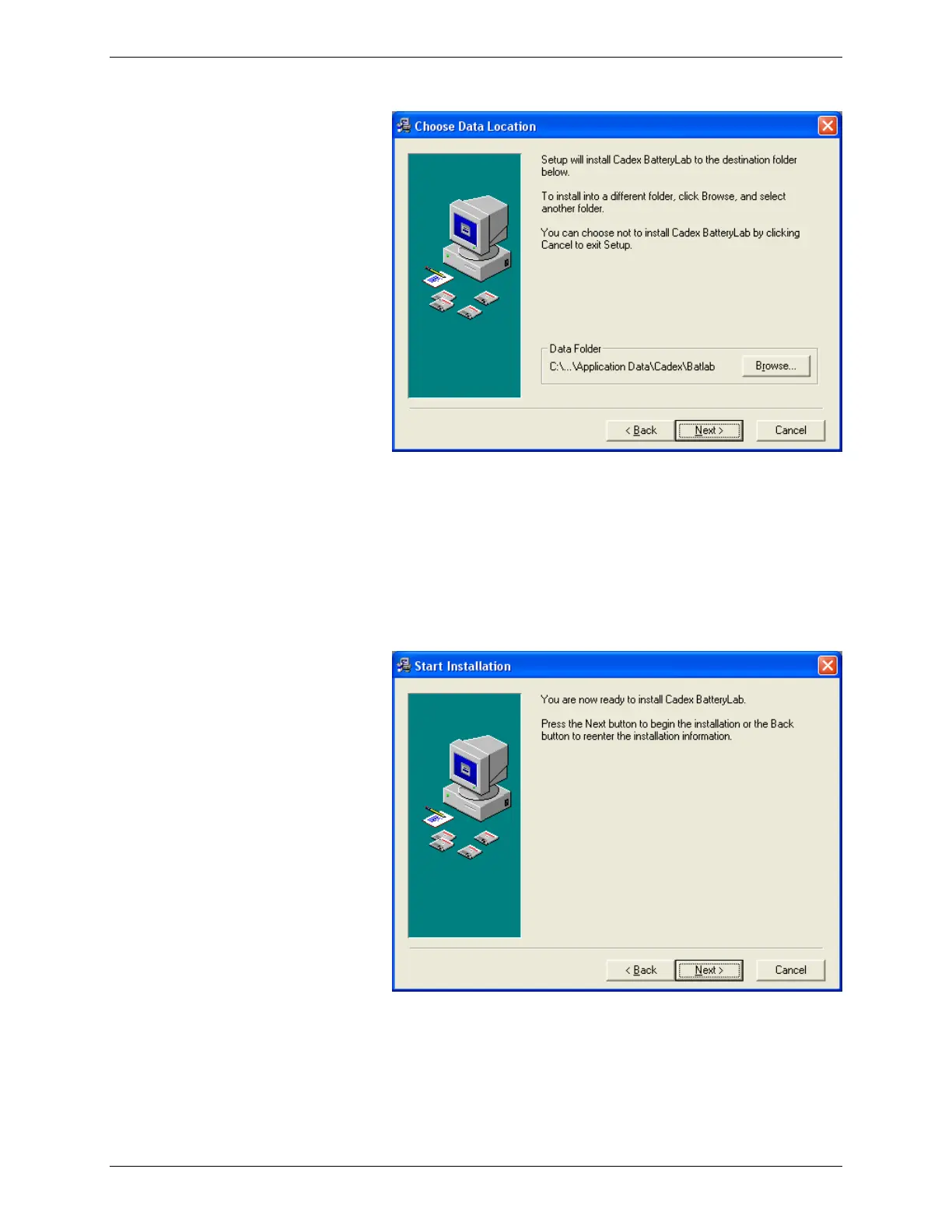
BatteryLab's database is installed in the C:\..\Application
Data\Cadex\Batlab folder by default. To install
BatteryLab's database in a different location, click Browse.
The Select Destination Directory window appears. Select
the location and click OK. Click Yes to overwrite the
existing copy of BatteryLab's database.
7. Click Next. The Start Installation window appears.
8. Click Next. The Installing window appears, showing the
files being installed.



 To Next Page