C8000 Battery Testing System User Manual
216 3 Cadex BatteryLab
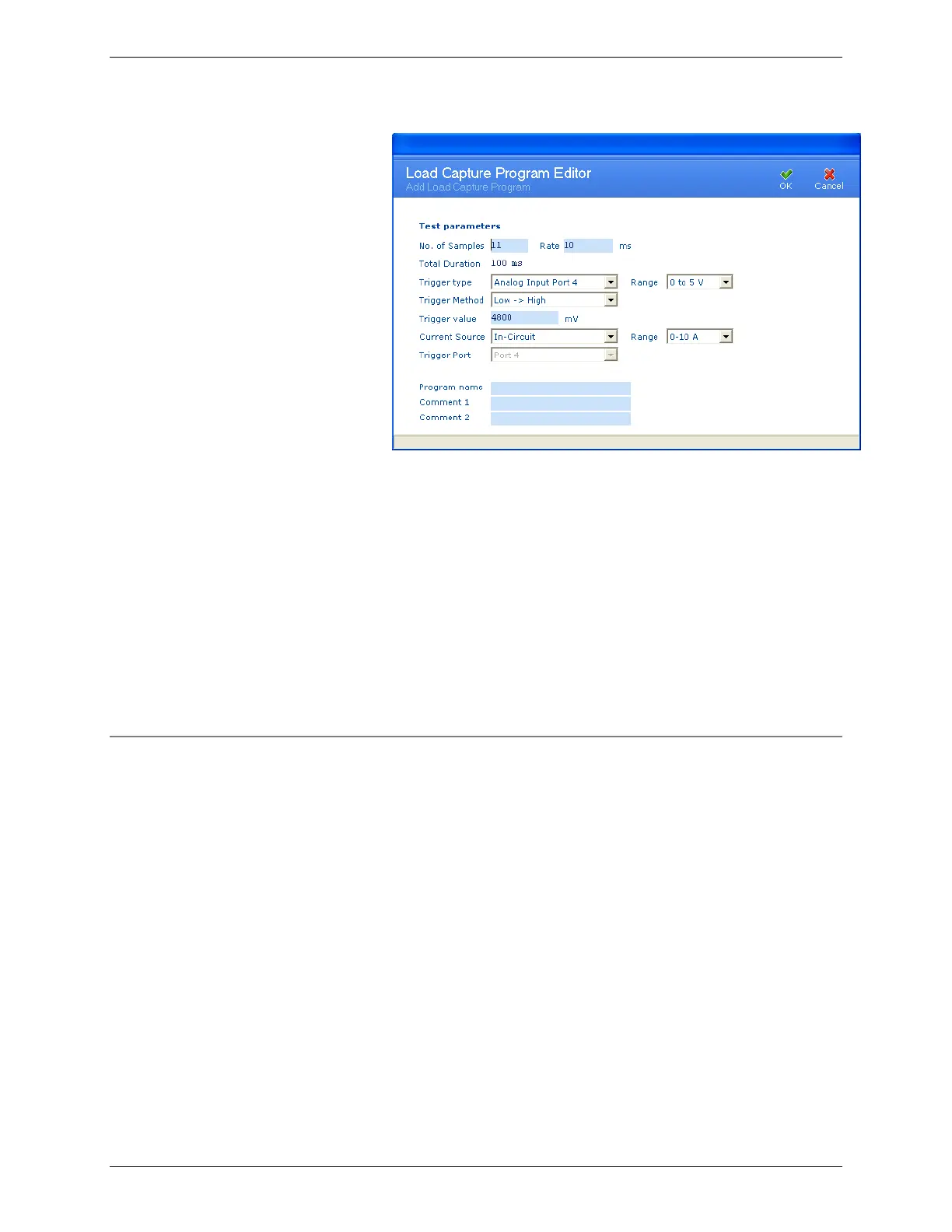
(See Page 194 for Test Parameter definitions)
3. Enter in the Test Parameters.
a. If required, edit the Comment “x” fields in the
Load Capture Program Editor window to describe
the load capture program.
4. Type a name for the load capture program in the Program
Name field.
5. Click OK. The new load capture program appears in the
Program Database window.
3.11.3 Edit a Load Capture Program
To edit a load capture program:
1. From the Database menu, click Load Capture. The
Program Database window appears.



 To Next Page