C8000 Battery Testing System User Manual
58 2 Battery Tester
2.8.3 Export a C-Code
To export a c-code from the C8000 to a SnapLock/RigidArm
Adapter (a C8000 Adapter Unit is required), select SnapLock
Adapter Export from the C-Code Options screen and press
ENTER. Select the c-code to export and press ENTER. The Export
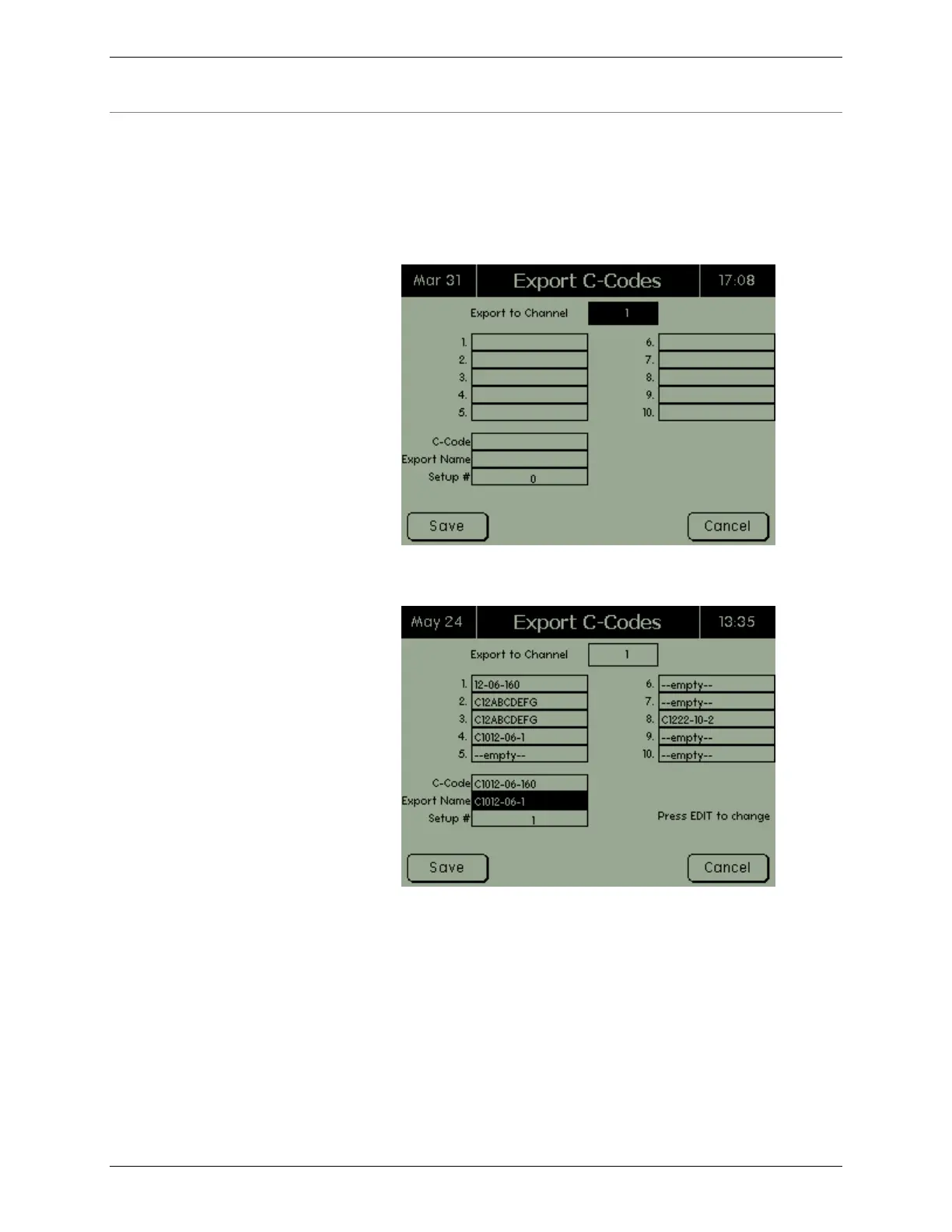
C-Codes screen appears.
Select the channel to export the c-codes to. The Export C-Codes
screen shows which c-codes were extracted from the C8000.
The numbered (1 through 10) fields list all c-codes contained
within the SnapLock/RigidArm Adapter. In the C-Code field,
press Enter to retrieve a list of c-codes currently on the C8000 and
select one. The name of the c-code you just selected appears in the
Export Name field – you can rename this c-code before you export
it, if needed. The Setup # field tells the C8000 the memory location
on the SnapLock/RigidArm Adapter to save to.
Next, select the c-code to export. To select a c-code for export,
select the memory location for the C8000 c-code to be exported to.
The selected c-code is highlighted. When finished selecting the c-



 To Next Page