C8000 Battery Testing System User Manual
3 Cadex BatteryLab 201
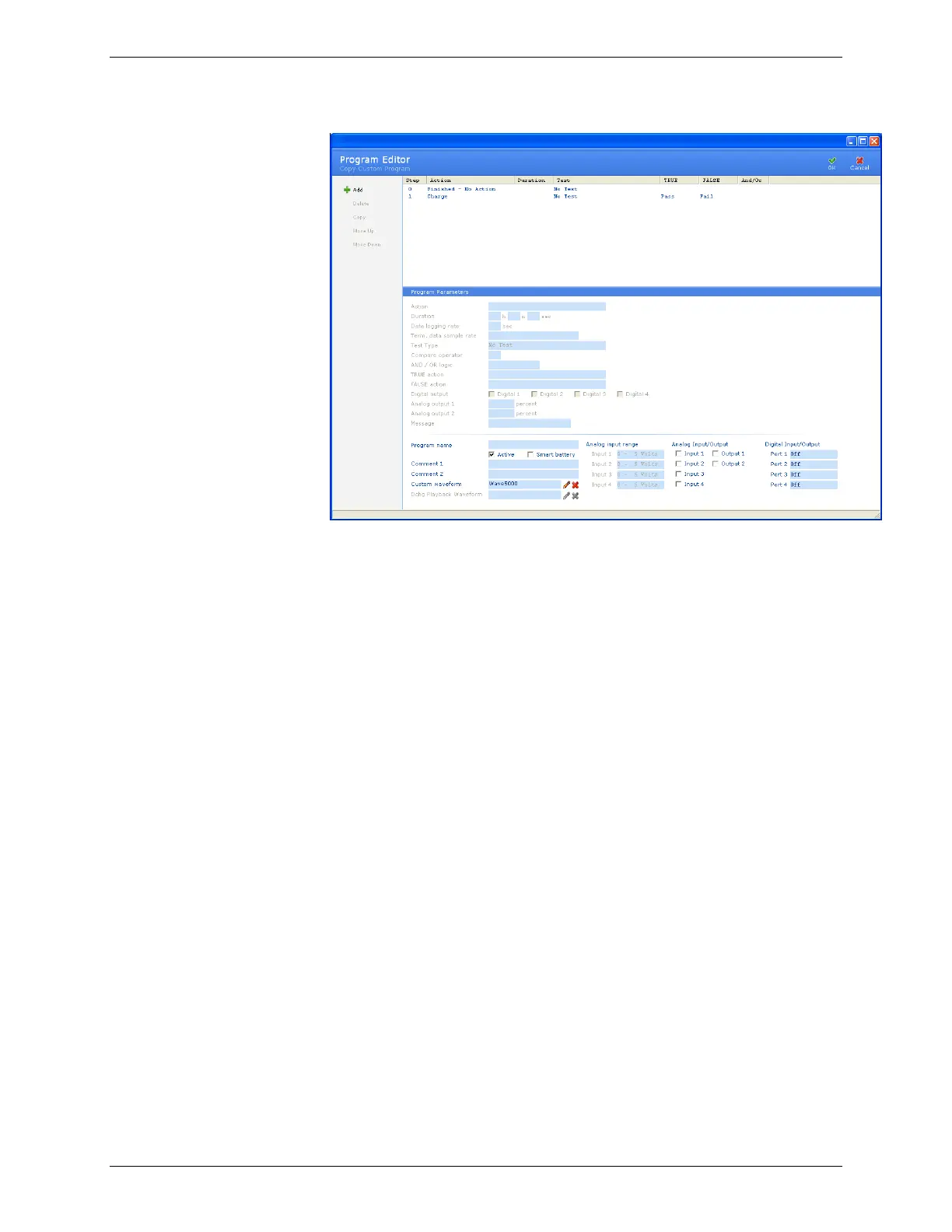
5. Type a name for the new program in the Program Name
field.
6. Select the Active check box if the program is to be an active
program.
7. Type any notes in the Comment 1 and Comment 2 fields, as
required.
8. Select a waveform for the program. Click Browse. The
Waveforms window appears. Select the waveform for this
program and click OK. Note: specifying a custom
waveform is optional.
9. Click OK. The new program appears in the Program
Database window.



 To Next Page