C8000 Battery Testing System User Manual
3 Cadex BatteryLab 151
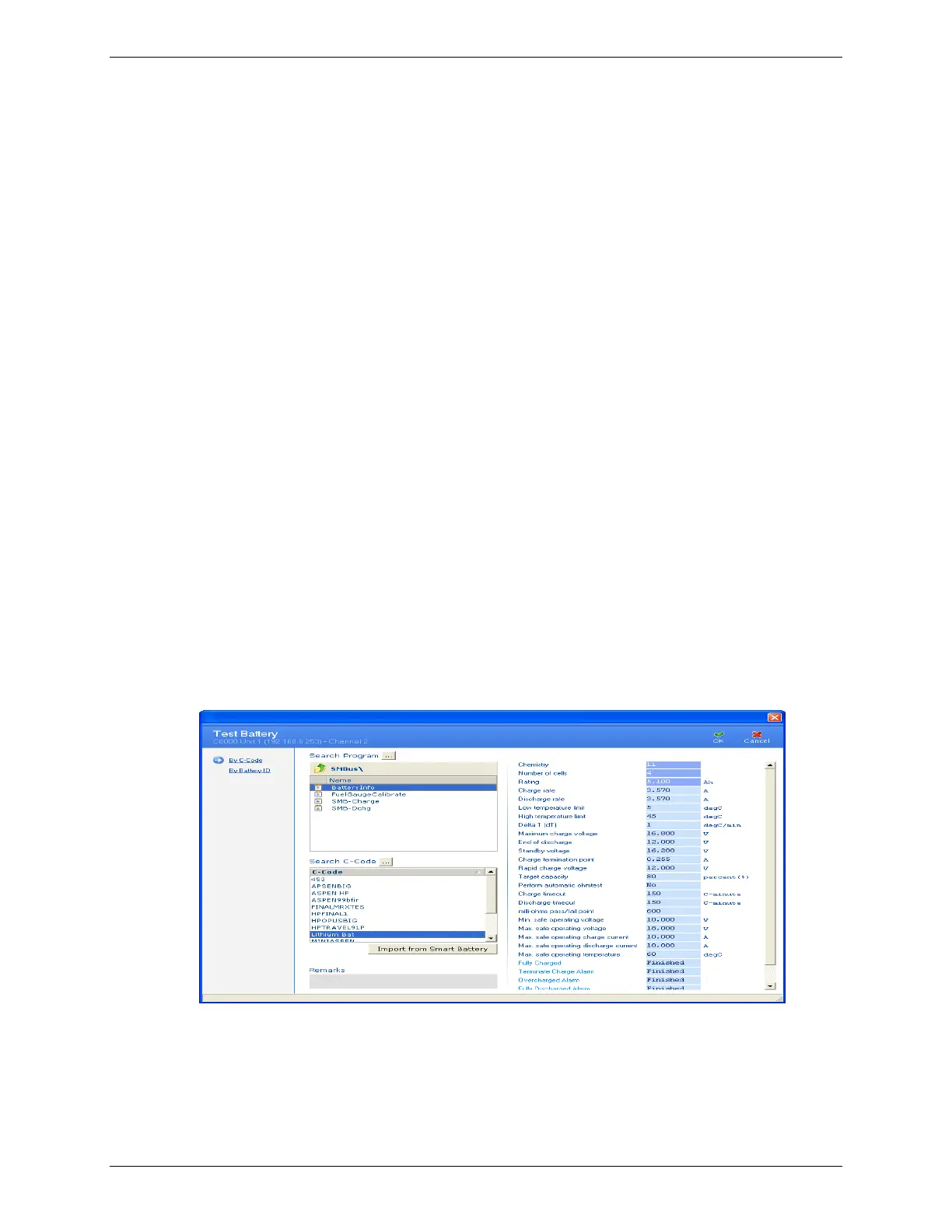
7. The SM-Bus codes will have an additional six (6) options
available. These fields control the actions that will occur
when the C8000 retrieves the associated flag from the
Battery Status register.
When active the C-code is enabled for SM-BUS batteries and the
following parameters become available:
1) Fully Charged
2) Terminate Charge Alarm
3) Overcharge Alarm
4) Fully Discharged Alarm
5) Terminate Discharge
Any of the above options can be set to one the following conditions;
a. Finished –will terminate the program successfully on flag
b. Fail –will terminate the program with a failure on flag
c. Ignore – will ignore the flag.
6) Over temperature Alarm options;
a. Ignore – will ignore the flag.
i. Retry x (1~10) – will wait for multiple flag conditions before
terminating with a failure. (Over-temperature only).
8. Click OK. The new c-code appears in the Test Battery
window.
a. This SM-Bus C-Code will have also been added to the C-code Database.



 To Next Page