C8000 Battery Testing System User Manual
3 Cadex BatteryLab 137
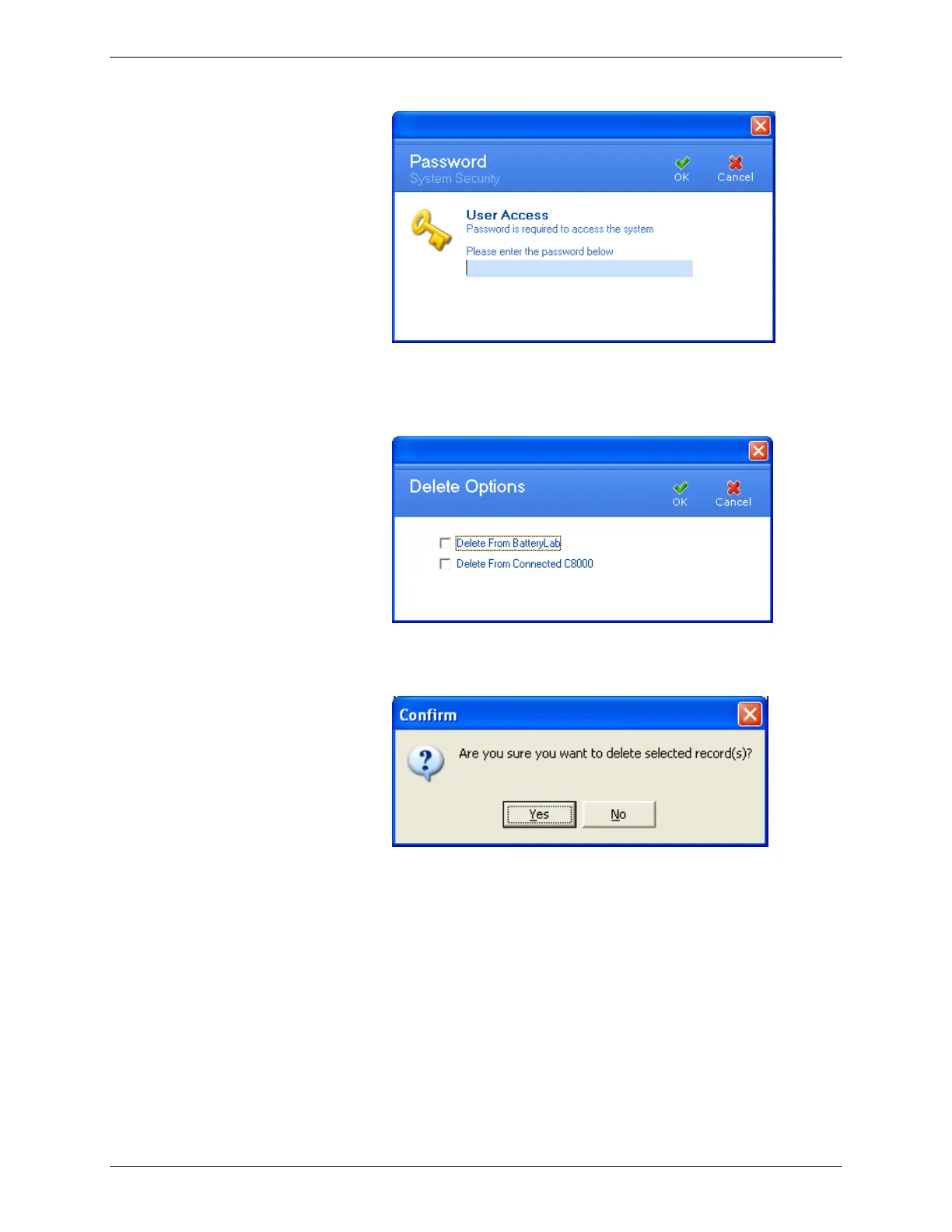
4. Enter your password and click OK. The Delete Options
window appears.
5. If you select Delete from BatteryLab option, the Confirm
window appears. Click Yes to delete the battery ID.
If you select the Delete from Connected C8000, the Delete
Battery ID window appears. The top half of this window
lists all connected C8000s while the bottom half of this
window lists the battery IDs for the selected C8000. Select
the battery ID to delete and click Delete.



 To Next Page