C8000 Battery Testing System User Manual
144 3 Cadex BatteryLab
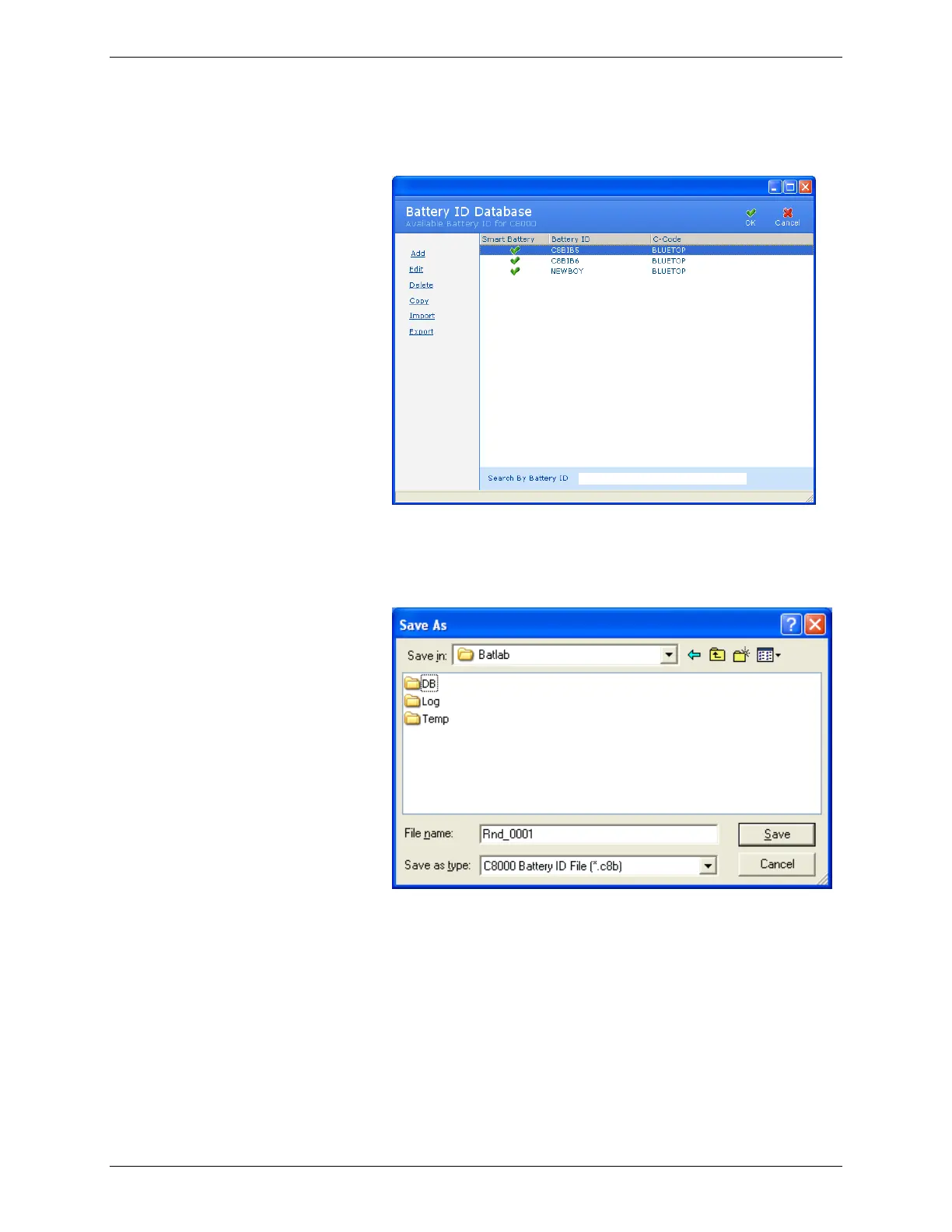
1. From the Database menu, click Battery ID. The Battery ID
Database window appears.
2. Select the battery ID to export. Hold the CTRL key down
to select multiple records.
3. Click Export. Click Browse. The Save As window appears.
4. Type a name for the export file in the File name field.
5. Click Save.
6. An Information window appears with the number of files
exported.



 To Next Page