C8000 Battery Testing System User Manual
3 Cadex BatteryLab 157
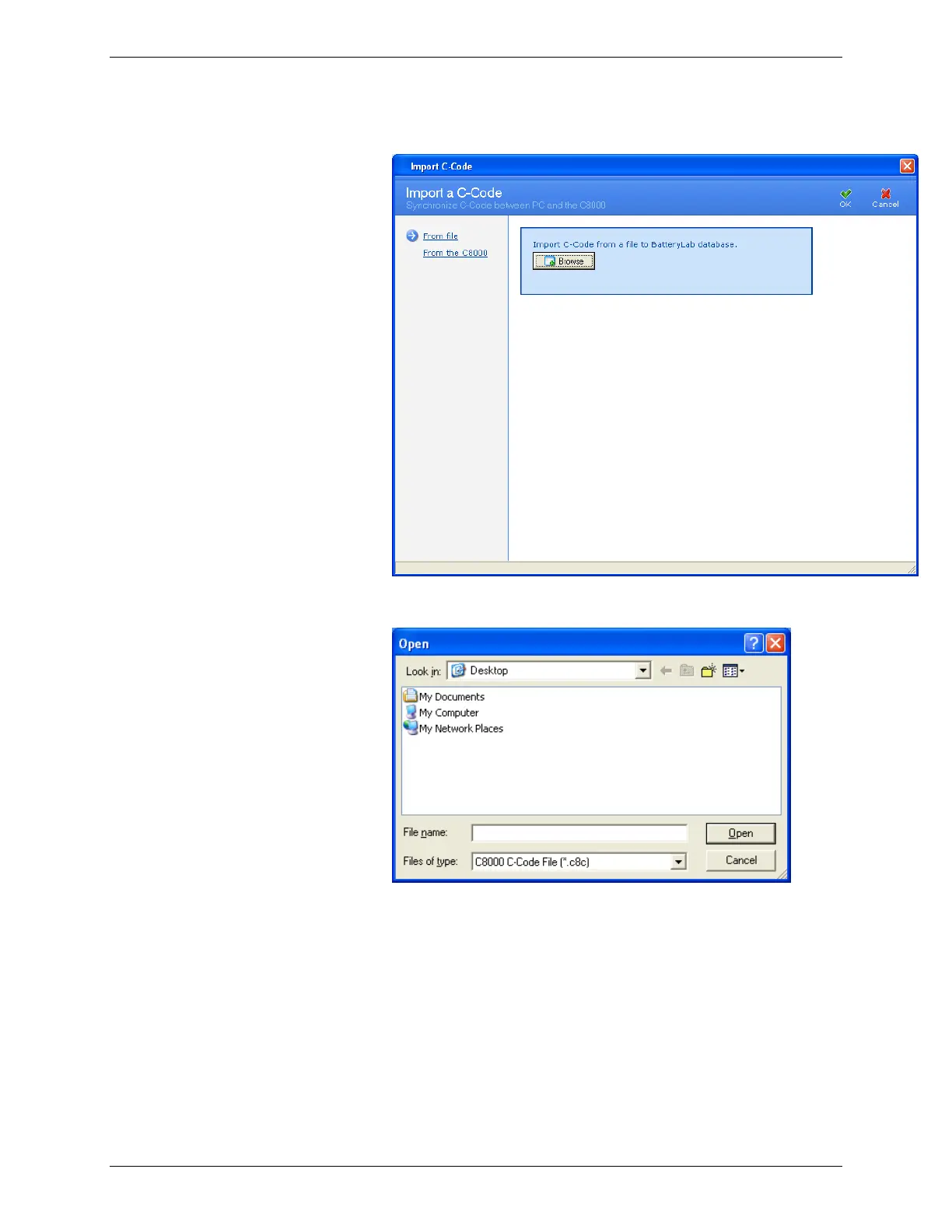
2. Click Import. The Import C-Code window appears.
3. Click Browse. The Open window appears.
4. Select the file to import and click Open. The Information
window appears, showing the number of c-codes
imported. (If the c-code already exists, click Cancel to
terminate the import process altogether, or OK to
overwrite the existing c-code. Alternatively, specify a
different name for the c-code and click OK to import it.)
Note that multiple c-codes can exist in one file.
To import a c-code from the C8000:



 To Next Page