C8000 Battery Testing System User Manual
3 Cadex BatteryLab 161
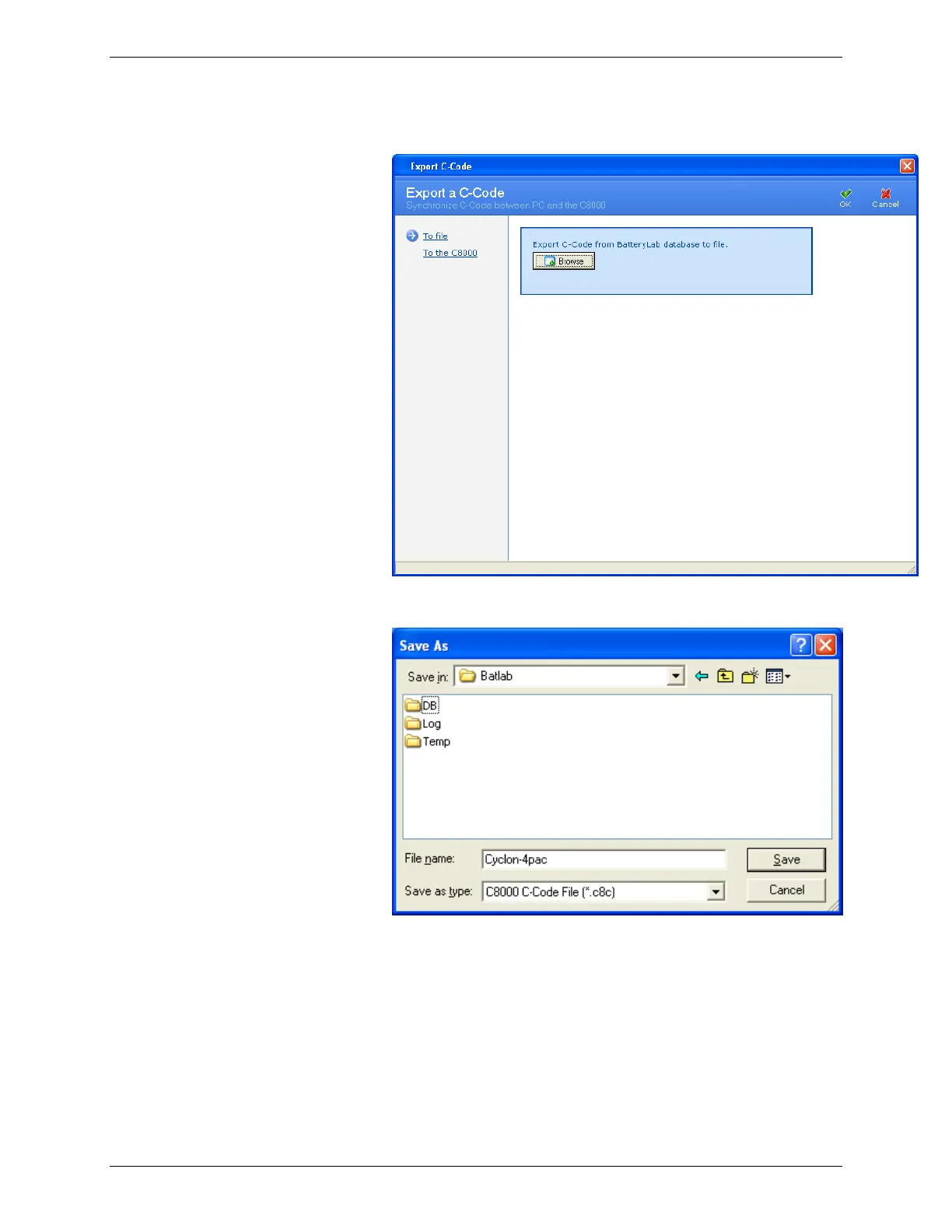
3. Click Export. The Export C-Code window appears.
4. Click Browse. The Save As window appears.
5. Type a name for the file in the File name field.
6. Click Save. All selected c-codes are saved to the file. An
Information window appears with the number of C-Codes
exported. (If the file already exists, specify a new filename
or opt to overwrite the existing file – click OK.)



 To Next Page