C8000 Battery Testing System User Manual
3 Cadex BatteryLab 205
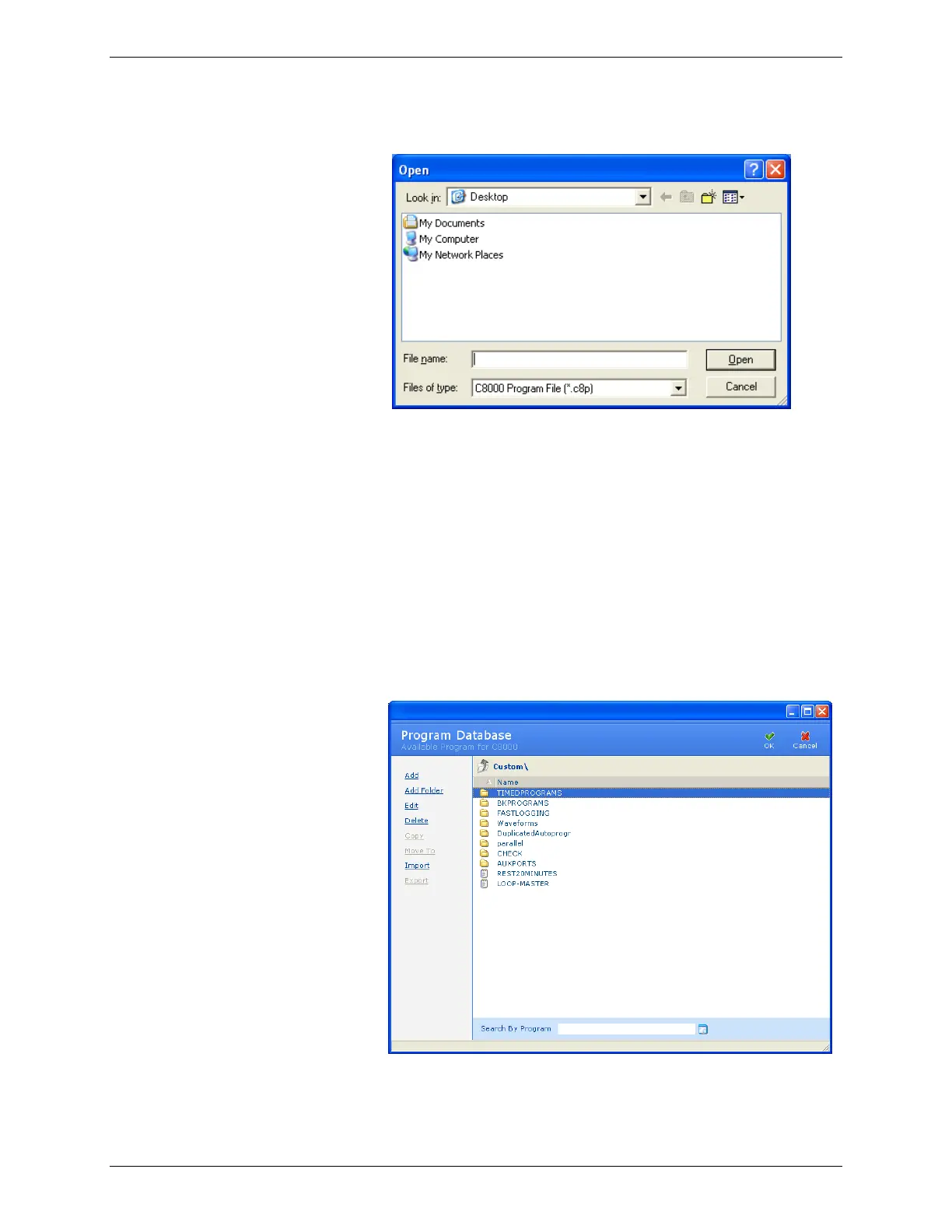
4. Click Browse. The Open window appears.
5. Select the file to import.
6. Click Open. Note that a single file can contain multiple
programs. The Information window appears with the
number of programs imported. (If the program already
exists, click Cancel to terminate the import process
altogether, or OK to overwrite the existing program.
Alternatively, specify a different name for the program
and click OK to import it.)
To import a program from the C8000:
1. From the Database menu, click Programs. The Program
Database window appears.



 To Next Page