C8000 Battery Testing System User Manual
208 3 Cadex BatteryLab
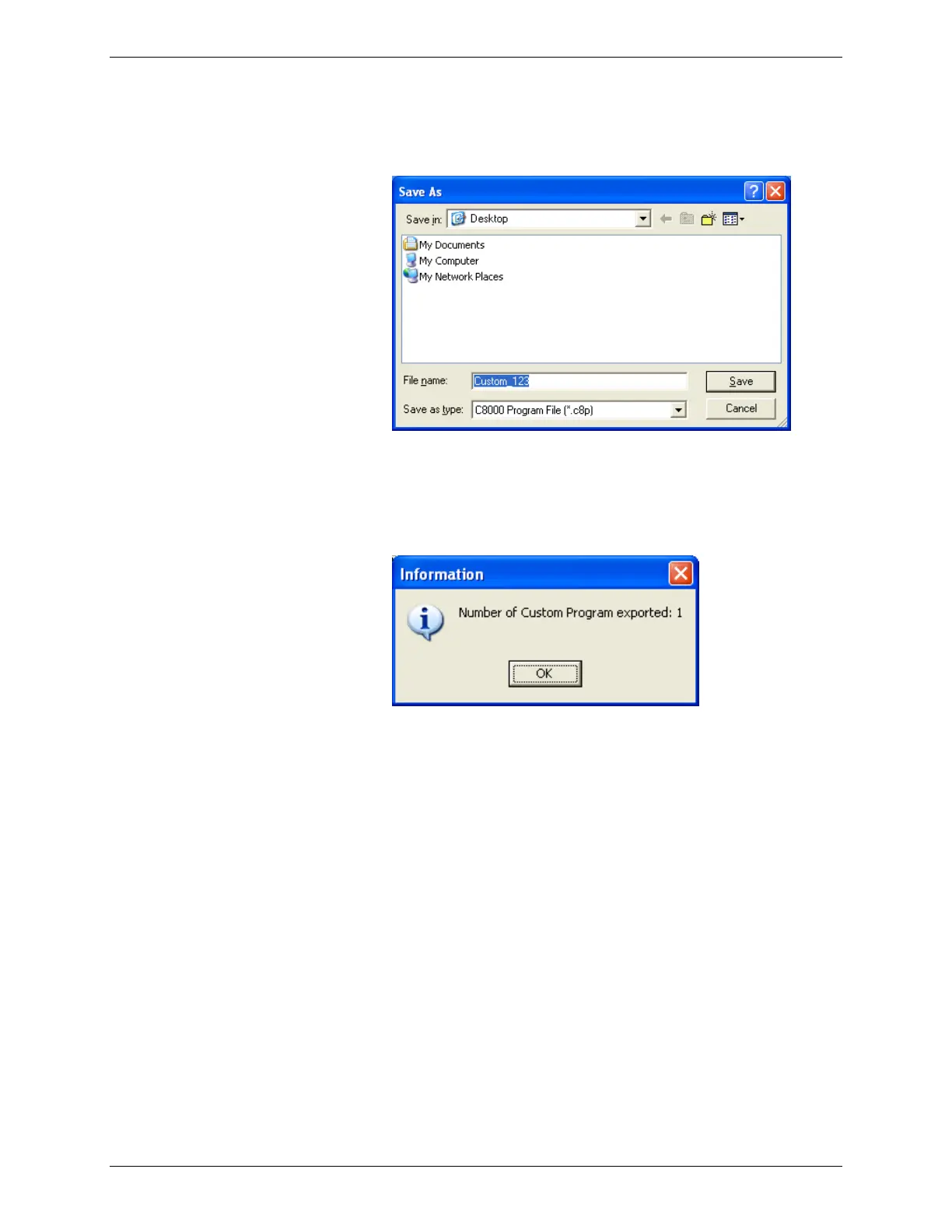
Click Browse. The Save As window appears.
4. Type a name for the export file in the File Name field.
5. Click Save. Note that multiple programs can be exported
to a single file. The Information window appears with the
number of programs exported to the file.
6. Click OK.
To export a program to the C8000:
1. From the Database menu, click Programs. The Program
Database window appears.



 To Next Page