C8000 Battery Testing System User Manual
3 Cadex BatteryLab 223
2. Select the load capture program to export. Note that
multiple load capture programs can be exported to the
same file.
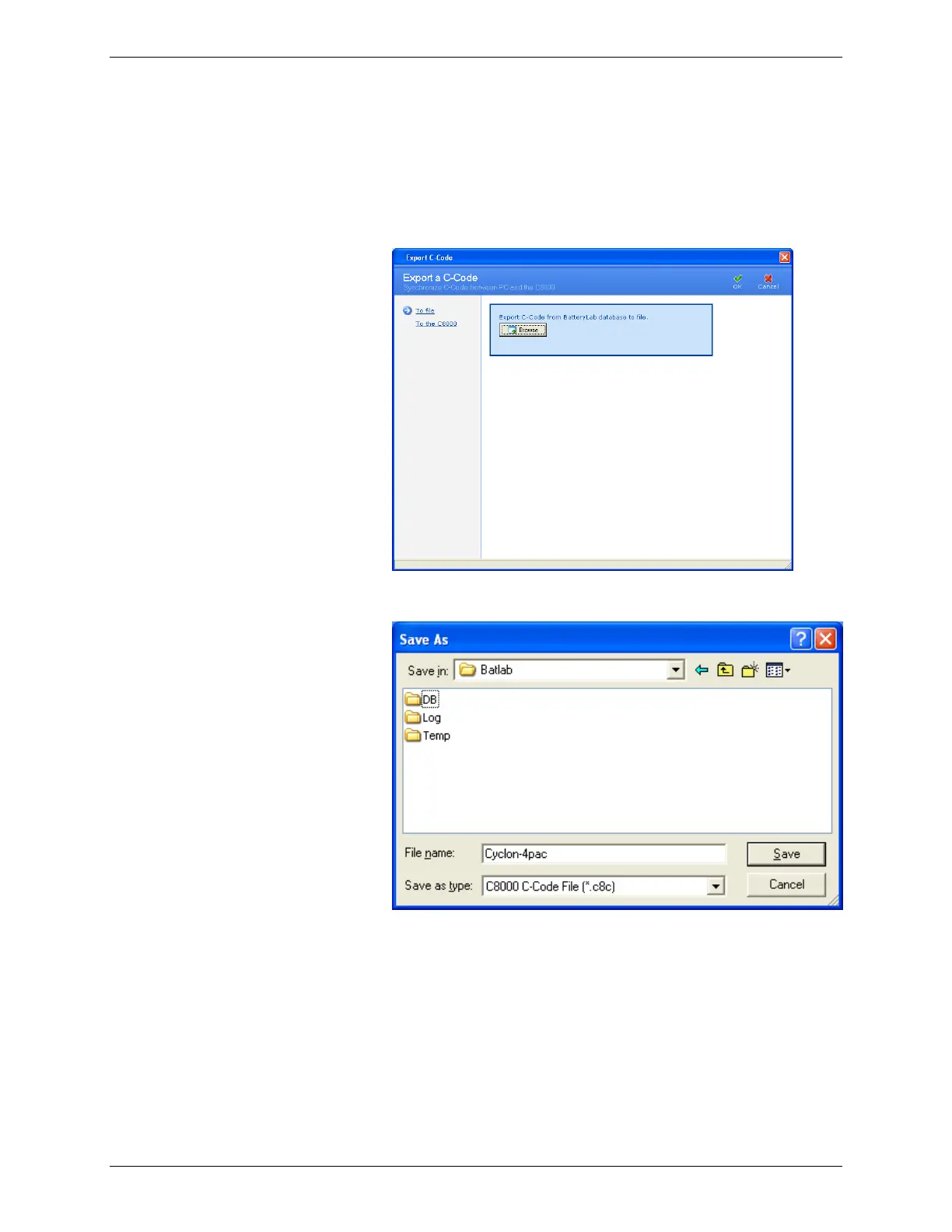
3. Click Export. The Export a Load Capture Program
window appears.
4. Click Browse. The Save As window appears.
5. Type a name for the file in the File name field.
6. Click Save. All selected load capture programs are saved
to the file. An Information window appears with the
number of load capture programs exported. (If the file
already exists, specify a new filename or opt to overwrite
the existing file – click OK.)



 To Next Page