C8000 Battery Testing System User Manual
3 Cadex BatteryLab 239
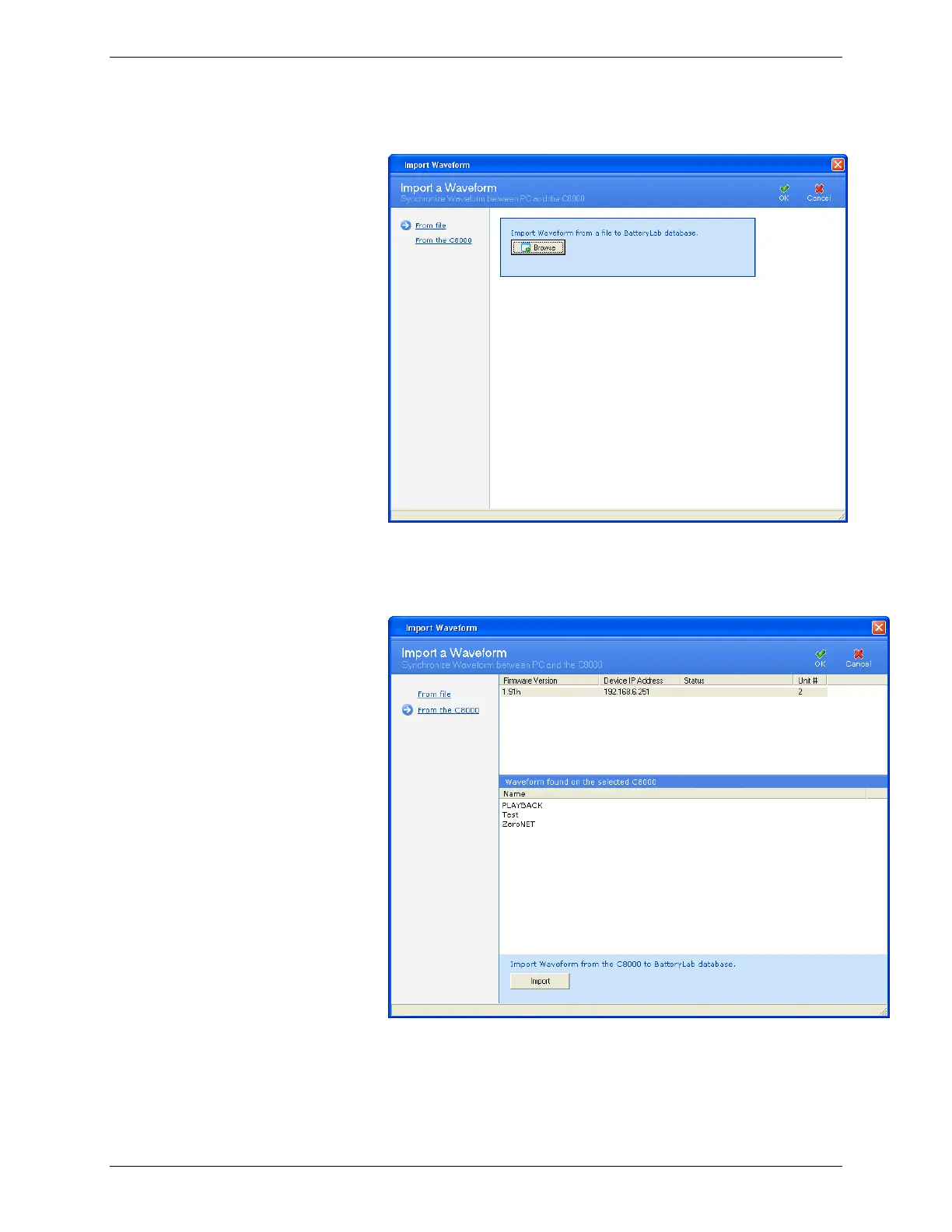
2. Click Import. The Import a Waveform window appears.
3. Click From the C8000. The window updates with a list of
connected C8000s and available waveforms for the selected
C8000.
4. Select the waveform to import.
5. Click Import. The Information window appears with the
number of waveform files imported.



 To Next Page