C8000 Battery Testing System User Manual
3 Cadex BatteryLab 241
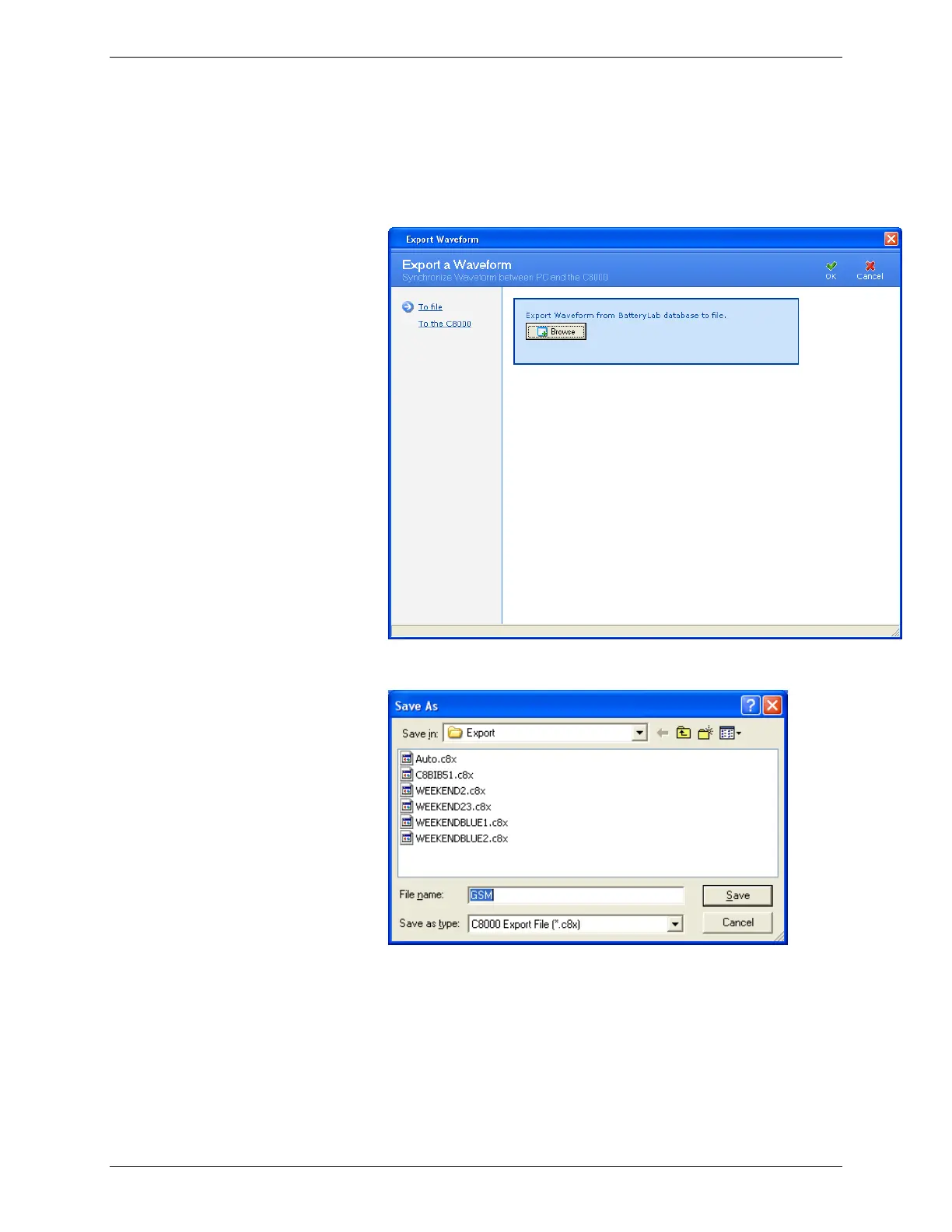
4. Select the folder to export the waveforms to and click
Export.
5. Click Browse. The Save As window appears.
6. Type a name for the export file in the File Name field.
7. Click Save. The Information window appears with the
number of waveforms exported to the file.



 To Next Page