C8000 Battery Testing System User Manual
34 2 Battery Tester
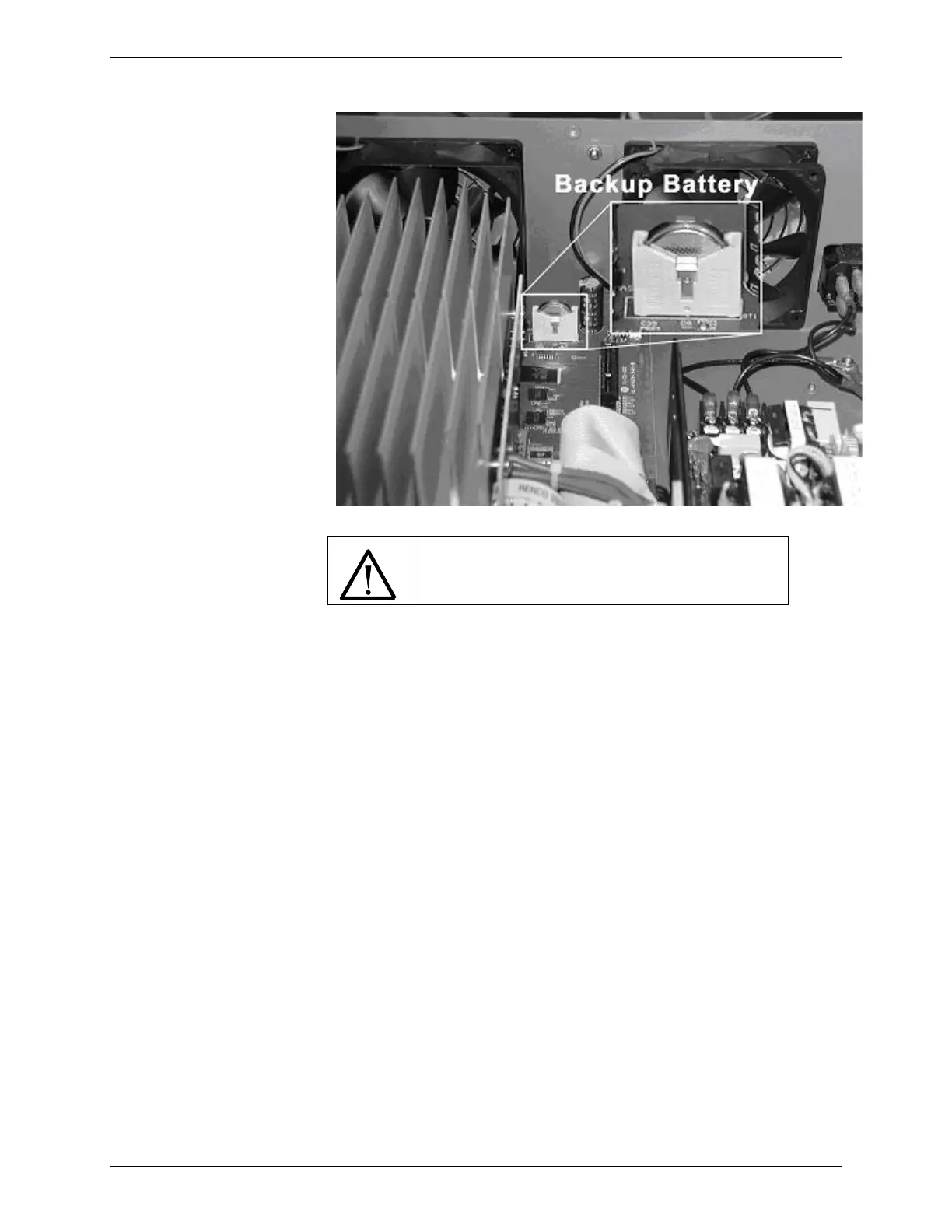
Ensure correct battery polarity.
Insert the new battery in the holder, with the positive terminal
facing toward the fan until the clip slips in place.
1. Replace the cover, making sure that no interior wires or
cables are caught or pinched between the cover and the
C8000 case.
2. Replace the seven cover screws.
3. Plug in the power cord and cables.
4. Turn ON the C8000. The settings may have returned to
factory defaults, in which case you will need to reprogram
settings.



 To Next Page