C8000 Battery Testing System User Manual
44 2 Battery Tester
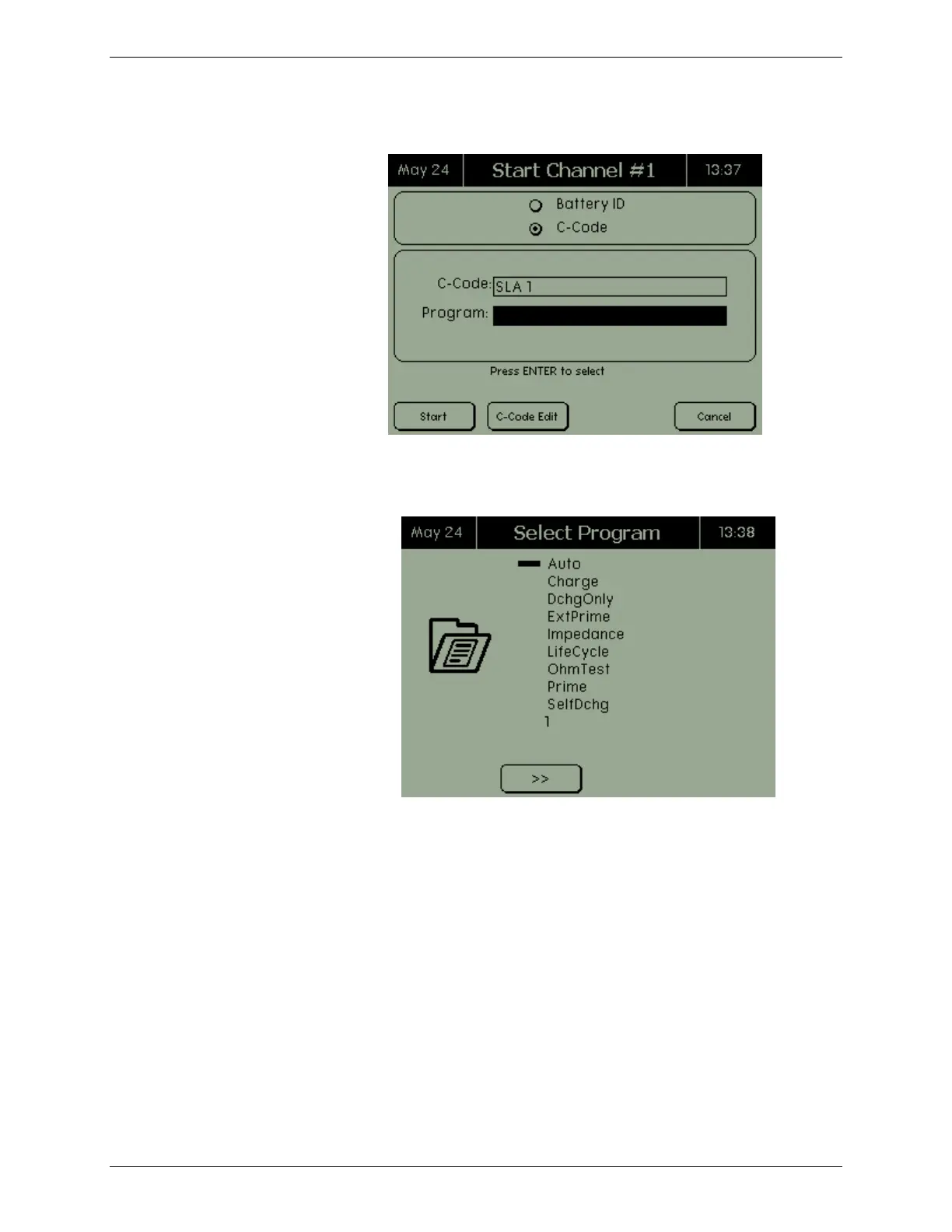
1. Select the program by battery ID or C-Code.
2. In the Program field, press ENTER. The Select Program
screen appears.
3. Select the program to run and press ENTER. Note: When
scrolling through the list of programs, all factory programs
are indented. All custom programs have the
creation/modification date of the program at the bottom of
the screen.
4. Press START. The program begins.



 To Next Page