2-259
CHAPTER 2 NEW FUNCTIONS
COPYRIGHT
©
2001 CANON INC. 2000 2000 2000 2000 CANON CLC5000 REV.0 JAN. 2001
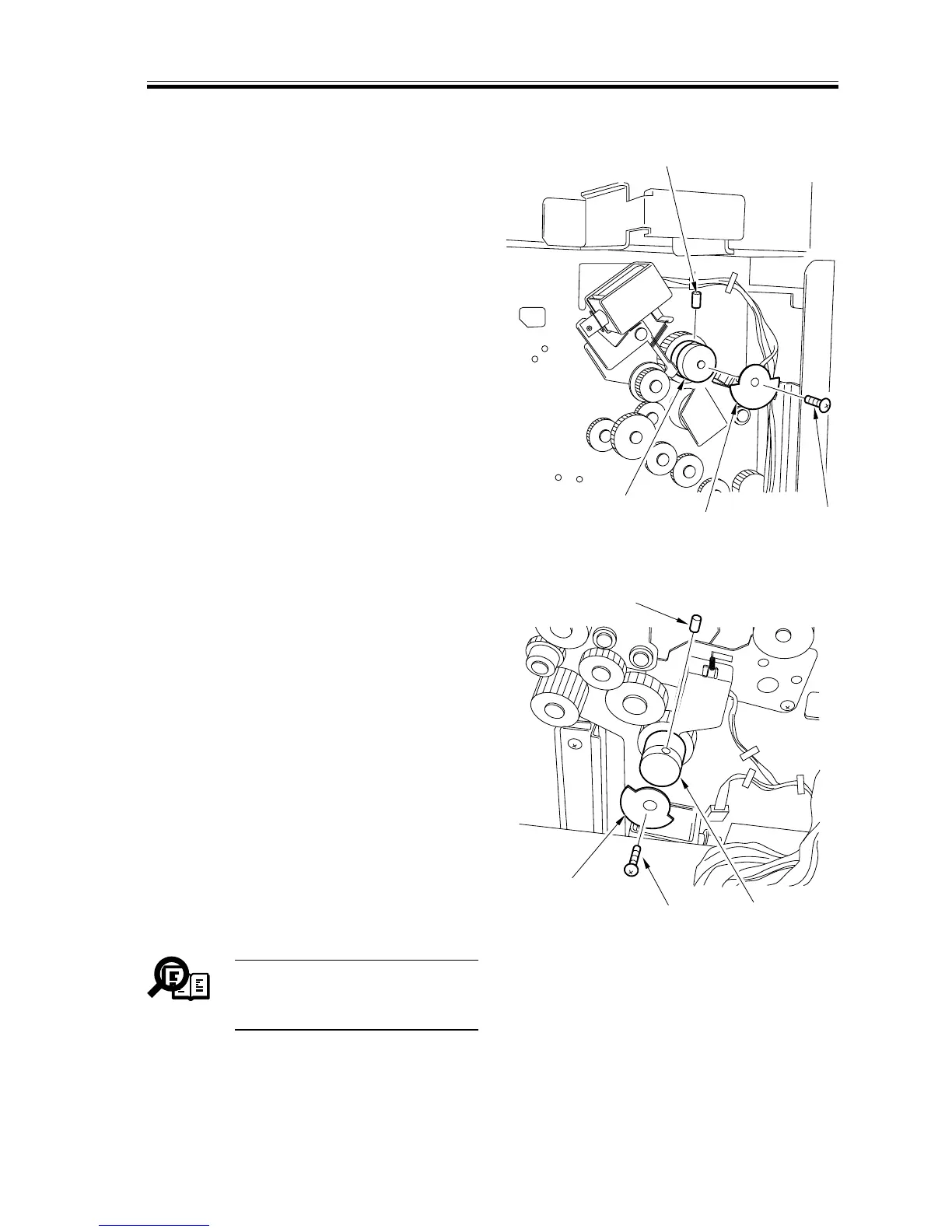
g.Removing the Spring Clutch
1) Remove the rear cover.
2) Remove the phase sensor together with
its support plate. (See F02-907-43, -44.)
3) Remove the screw [1], and detach the
sensor flag [2]; then, remove the stop
screw [3], and detach the spring clutch
[4].
F02-907-59
F02-907-60
Memo
Both upper and lower spring
clutches may be removed in the
same way.
[1]
[2]
[3]
[4]
[1]
[2]
[3]
[4]




 To Next Page