COPYRIGHT
©
2001 CANON INC. 2000 2000 2000 2000 CANON CLC5000 REV.0 JAN. 2001
CHAPTER 5 TROUBLESHOOTING IMAGE FAULTS/MALFUNCTIONS
5-13
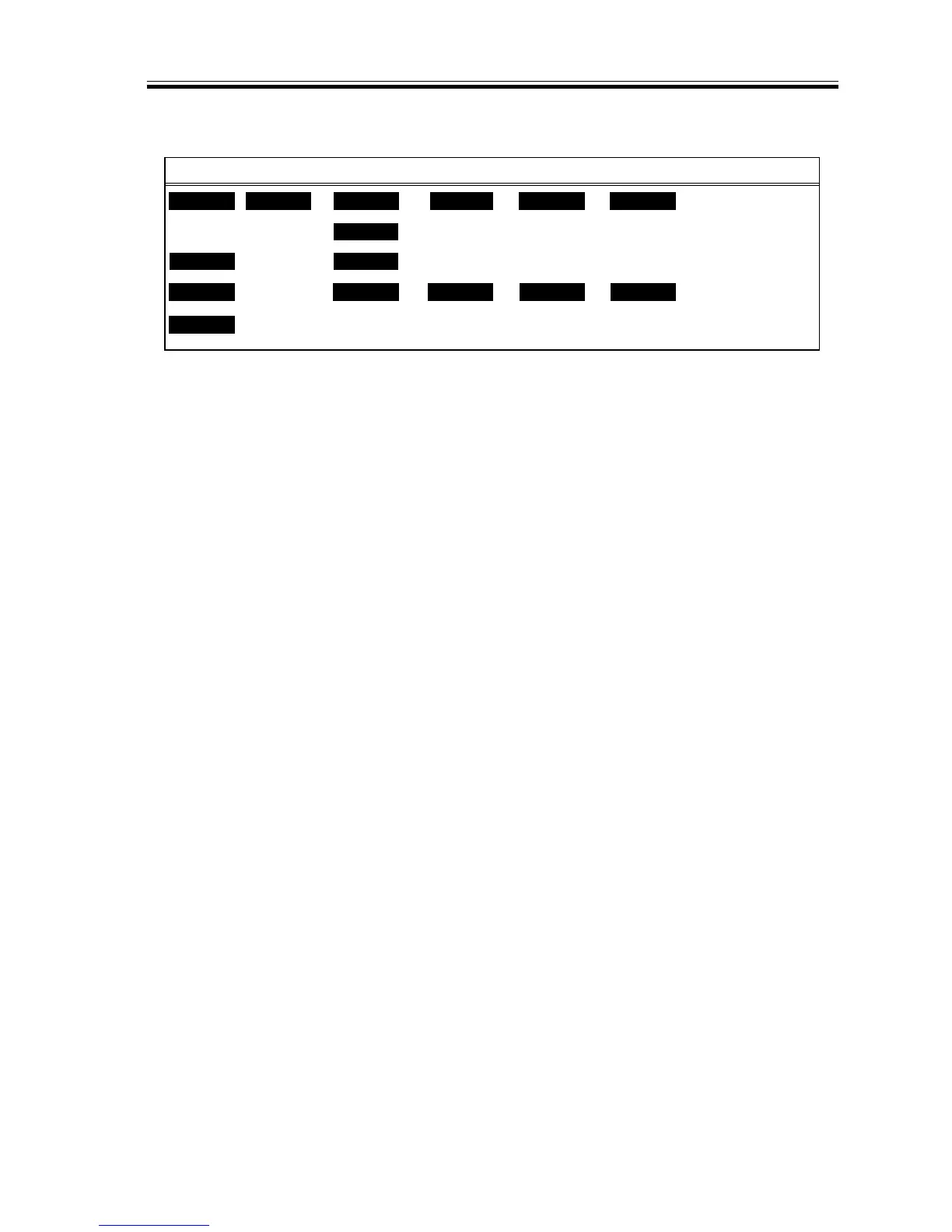
b.Adjusting the Image Margin
F05-201-13
1) Start service mode, and select ‘ADJUST
> FEED-ADJ’.
2) While the ‘FEED-ADJ’ screen is on,
press the Start key.
3) If the image margin is not as indicated,
adjust the image writing start position in
the main scanning direction using ‘UP-
ADJ’, ‘LOW-ADJ’, ‘MULT-ADJ’,
‘DECK-ADJ’, and ‘REFE-ADJ’ and
using ‘VSYC-ADJ’ in the sub scanning
direction.
Then, adjust the non-image width using
‘MARGIN-L, -R, -T, -B’.
(For details, see. “SERVICE MODE.”)
<M> <R> <P> <F>
DISP
ADJUST
COUNTER
FUNC
xxx
xxx xxx
xxx
xxx xxx
OPTION
REFE-ADJ
VSYC-ADJ
MARGN-L
TEST
UP-ADJ LOW-ADJ
FEED-ADJ <S>
MARGN-R
xxx
xxx
MULT-ADJ
MARGN-T
xxx
xxx
DECK-ADJ
MARGN-B














 To Next Page