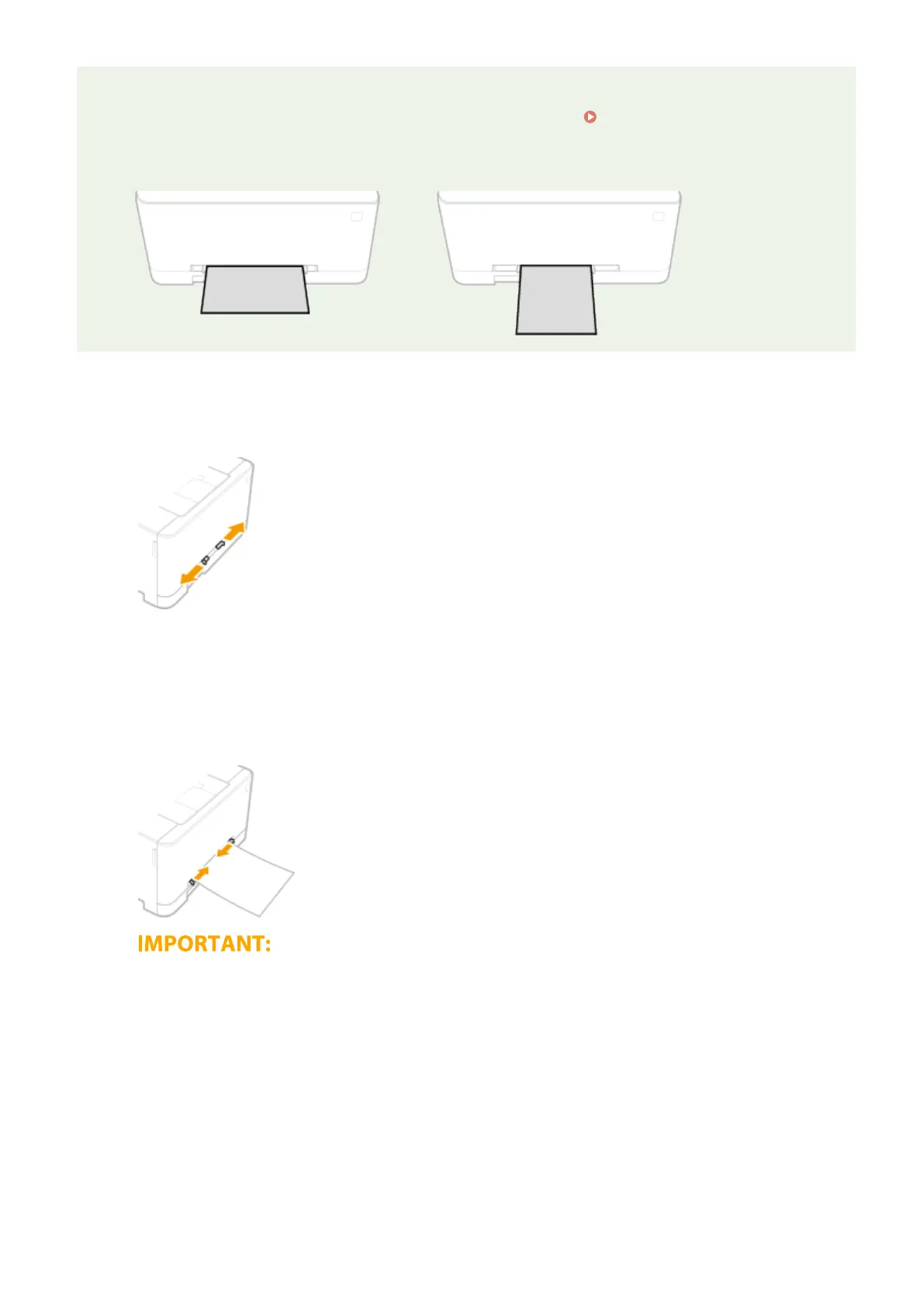
When loading A5 size paper
● When setting the paper size, make sure the current paper orientation. Specifying Paper Size and Type in
the Multi-Purpose Tray(P. 162)
Landscape orientation
Portrait orientation
1
Spread the paper guides apart.
● Slide the paper guides outward.
2
Insert the paper and align the paper guides against the width of the paper.
● Load the paper with the print side face up.
● Insert the paper 3/8" to 3/4" (10 to 20 mm) into the manual feed slot, and then slide the paper guides inward
until they are aligned securely against the edges of the paper.
Align the paper guides securely against the edges of the paper
● Paper guides that are too loose or too tight can cause misfeeds or paper jams.
3
Insert the paper slowly into the rear of the manual feed slot.
● The paper is pulled slightly into the machine when inserted into the slot.
Basic Operations
152









 To Next Page