3
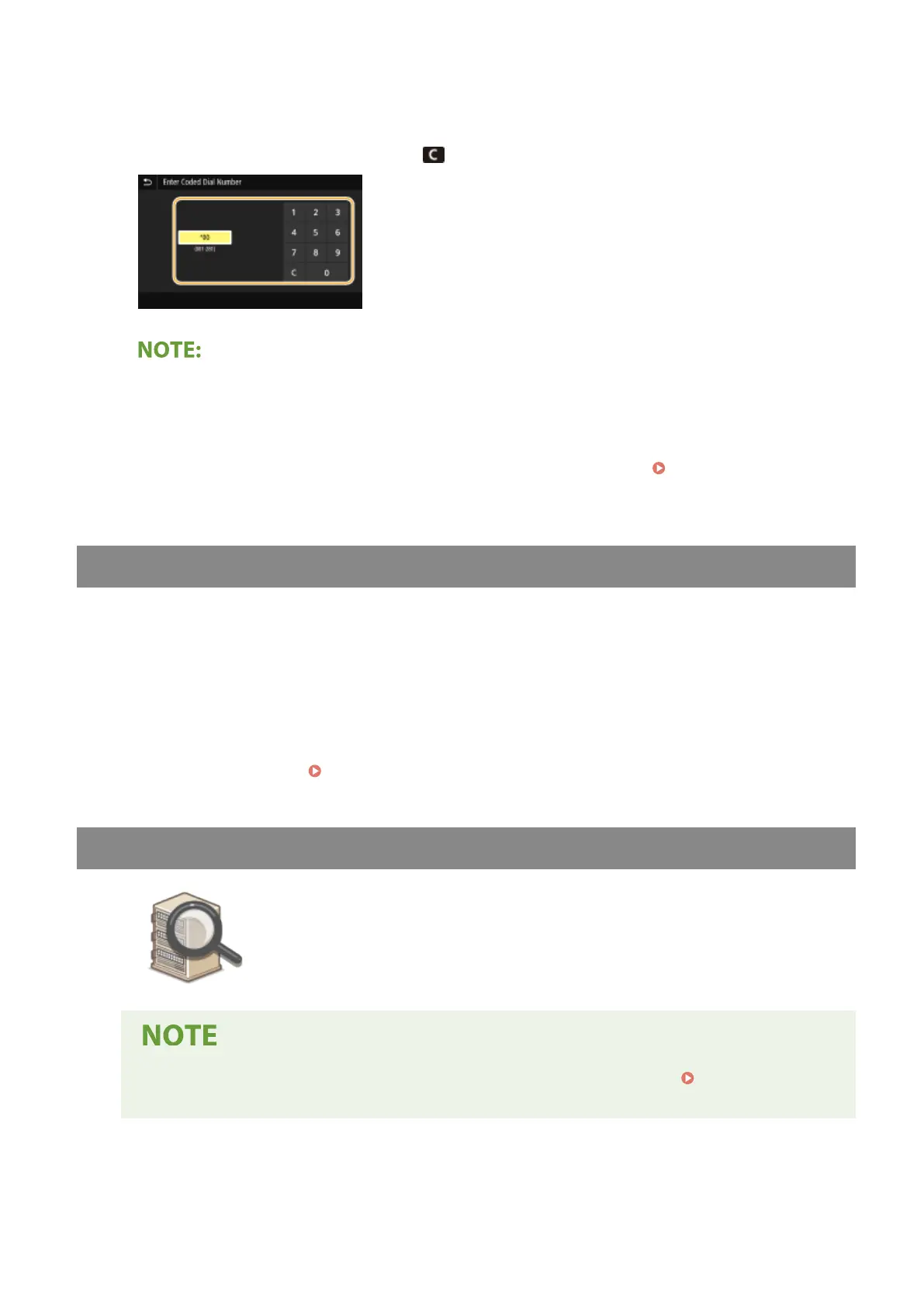
Enter a three-digit number.
● If you have entered an incorrect value, use to clear it.
If a conrmation screen appears
● When <Conrm When Coded Dial TX> is set to <On>, a screen is displayed that shows the destination and
the name for the number. (For Group Dial, the destination name and the number of destinations are
shown.) Check the contents and if everything is correct, select <OK>. To specify a different destination,
select <Cancel> and then re-enter the three-digit coded dial number.
Displaying Destinations in
Address Book(P. 407)
Entering Destinations Directly (E-Mail Sending)
For a destination that is not registered in the Address Book, specify it by entering an e-mail address.
1
Select <Use Keyboard> in the <Specify Destination> tab.
2
Enter the e-mail address, and select <Apply>.
● On how to enter text, see Entering Text(P. 131) .
Specifying Destinations in an LDAP Server
If your oce has an LDAP server installed, you can specify a destination using user
information in the server. Access the LDAP server via the machine to search for the
appropriate user information and specify it as destination.
● You need to specify the settings for connecting to an LDAP server beforehand. Registering LDAP
Servers(P. 63)
1
Select <LDAP Server> in the <Specify Destination> tab.
Scanning
293









 To Next Page