If a screen on which a destination is already specied appears
● You can only send to destinations that are not restricted. To send to other destinations, you must
congure the send function authentication settings in such a way that transmission is not restricted.
Contact your administrator for details. LDAP Server Authentication(P. 364)
Specifying destinations from the transmission records
● You can also recall previously used destinations. Recalling Previously Used Settings for Sending/
Saving (Recall Settings)(P. 313)
Saving the data to a shared folder or FTP server
● Only one destination can be specied.
5
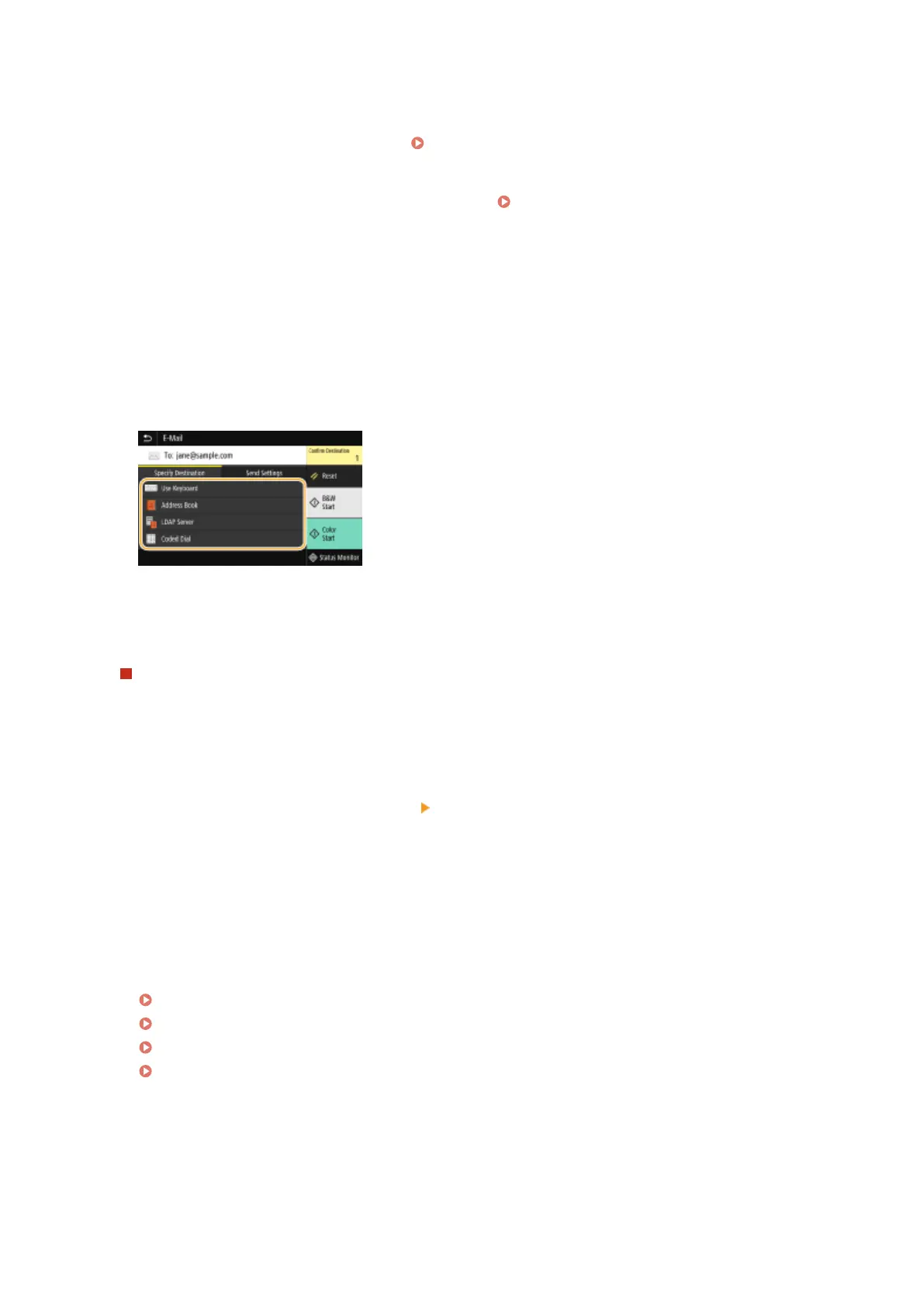
When sending an e-mail, specify multiple destinations, including Cc/Bcc destinations,
as necessary.
● Select the method used to specify destinations in the <Specify Destination> tab, and then specify the
destination.
● If you selected <LDAP Server> or <Specify Myself as Destination>, the destination is specied in the <To>
eld.
● <Cc> and <Bcc> addresses can only be selected using <Address Book> or <Coded Dial>.
To delete destinations
If you specied multiple destinations, you can delete destinations as necessary.
1
Select <Conrm Destination>.
2
Select the check box for the destination to be deleted, and select <Remove from Dest.>.
● If you select Group, select <Details> <Destination>; you can view the destinations registered in the
group.
3
Select <Yes>.
6
Specify the scanning settings as necessary.
Specifying the Scanning Size of the Original
Selecting a File Format
Specifying Orientation of Your Original
Scanning 2-Sided Originals
Scanning
295









 To Next Page