<Menu> <Function Settings> <Printer> <Printer Settings> <Print Quality> <Density Fine
Adjustment> Adjust the adjustment value <Apply>
● A change in the density affects objects other than text or lines and the color balance.
● This setting is only available when <Resolution> is set to <1200 dpi>.
<Resolution>
Specify the resolution to be used for print data processing.
<1200 dpi>
<600 dpi>
<Menu> <Function Settings> <Printer> <Printer Settings> <Print
Quality> <Resolution> Select <1200 dpi> or <600 dpi>
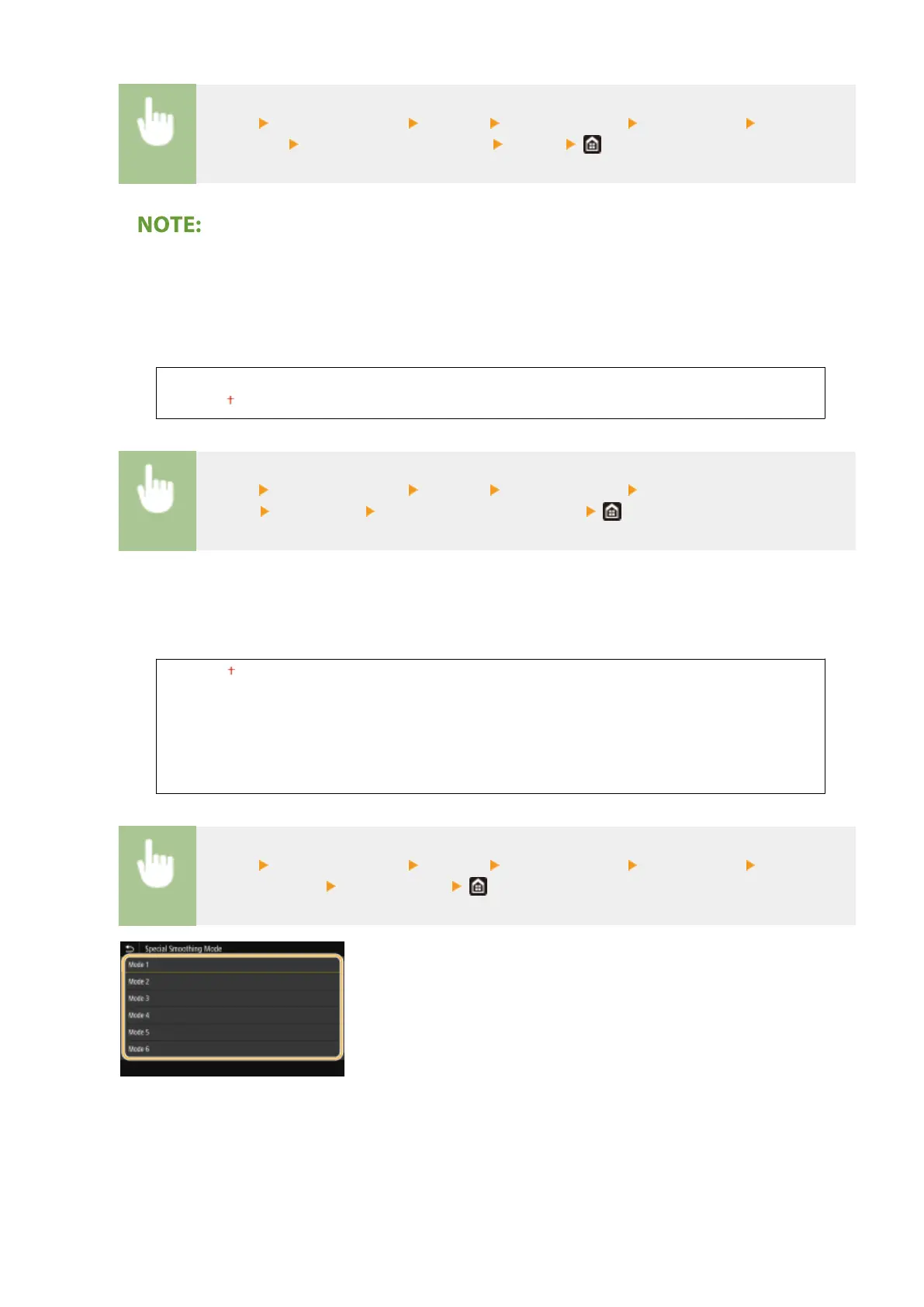
<Special Smoothing Mode>
Specify the mode to print data with a smooth nish. If the quality of the printout is not acceptable in <Mode
1> (default), try another mode.
<Mode 1>
<Mode 2>
<Mode 3>
<Mode 4>
<Mode 5>
<Mode 6>
<Menu> <Function Settings> <Printer> <Printer Settings> <Print Quality> <Special
Smoothing Mode> Select the mode
<Mode 1>
Prints an outline of dark text or a gure with a smooth nish. This is the optimal mode for various types of
printing.
<Mode 2>
Prints gure outline and internal halftones with a smooth nish.
<Mode 3>
Setting Menu List
497









 To Next Page