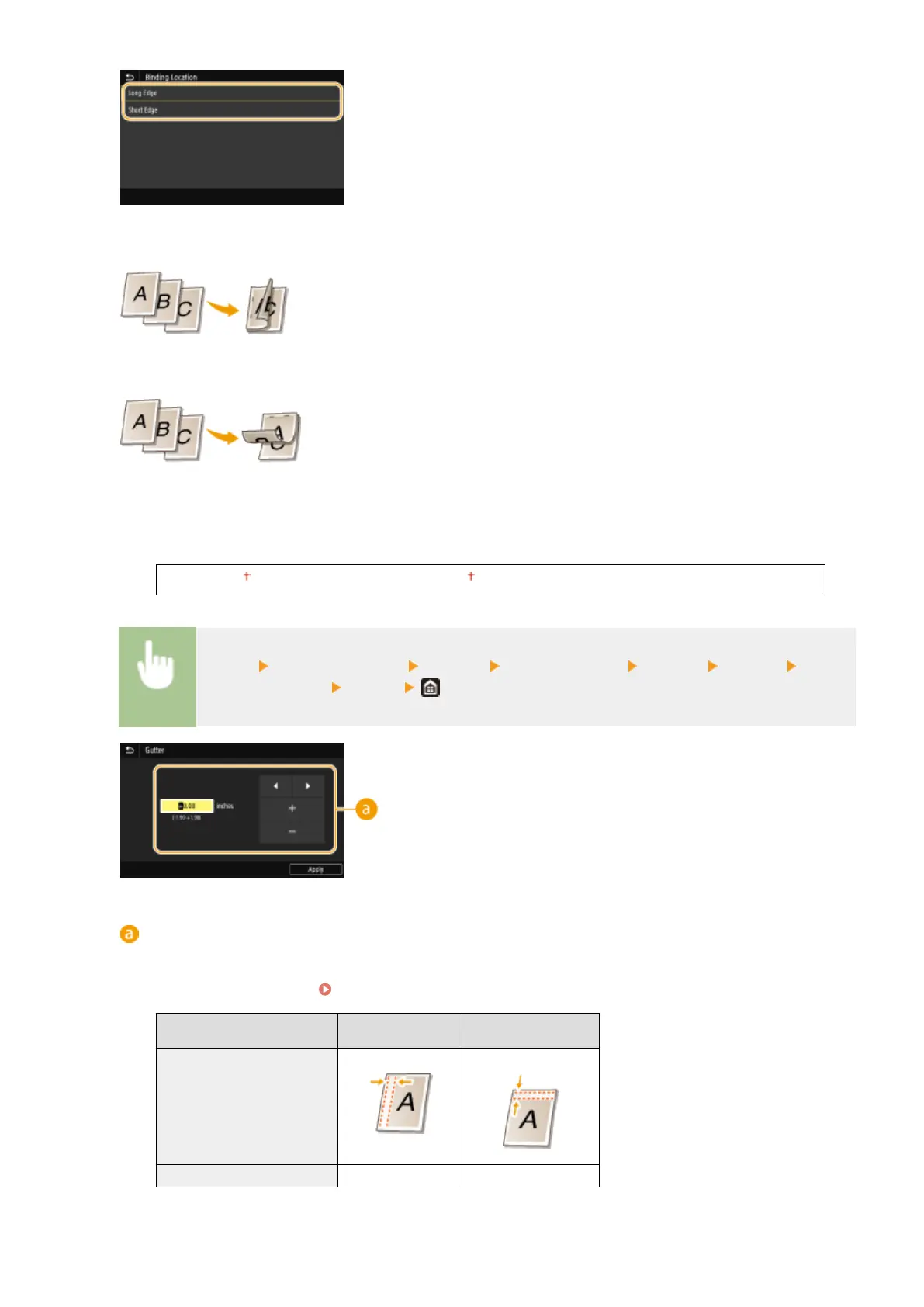
<Long Edge>
Specify this to bind on the long edge of paper.
<Short Edge>
Specify this to bind on the short edge of paper.
<Gutter>
Shift the print position to adjust the binding margin to apply to the binding edge specied by <Binding
Location>. The value "0.00" exerts no effect on the binding margin.
-1.90 to 0.00 to +1.90 (inches) or -50.0 to 00.0 to +50.0 (mm)
<Menu> <Function Settings> <Printer> <Printer Settings> <Layout> <Gutter> Specify
the binding margin
<Apply>
Entering the setting value
Specify the print position shift direction and shift width. Whether the setting value is a "+" or "-" value
determines the binding edge along which to adjust the binding margin. The margin width can be adjusted in
0.01" (0.5 mm) increments.
Basic Operation(P. 128)
Setting Value
Long Edge Short Edge
A value with a "+" sign Left edge of paper Top edge of paper
A value with a "-" sign Right edge of paper Bottom edge of paper
Setting Menu List
502









 To Next Page