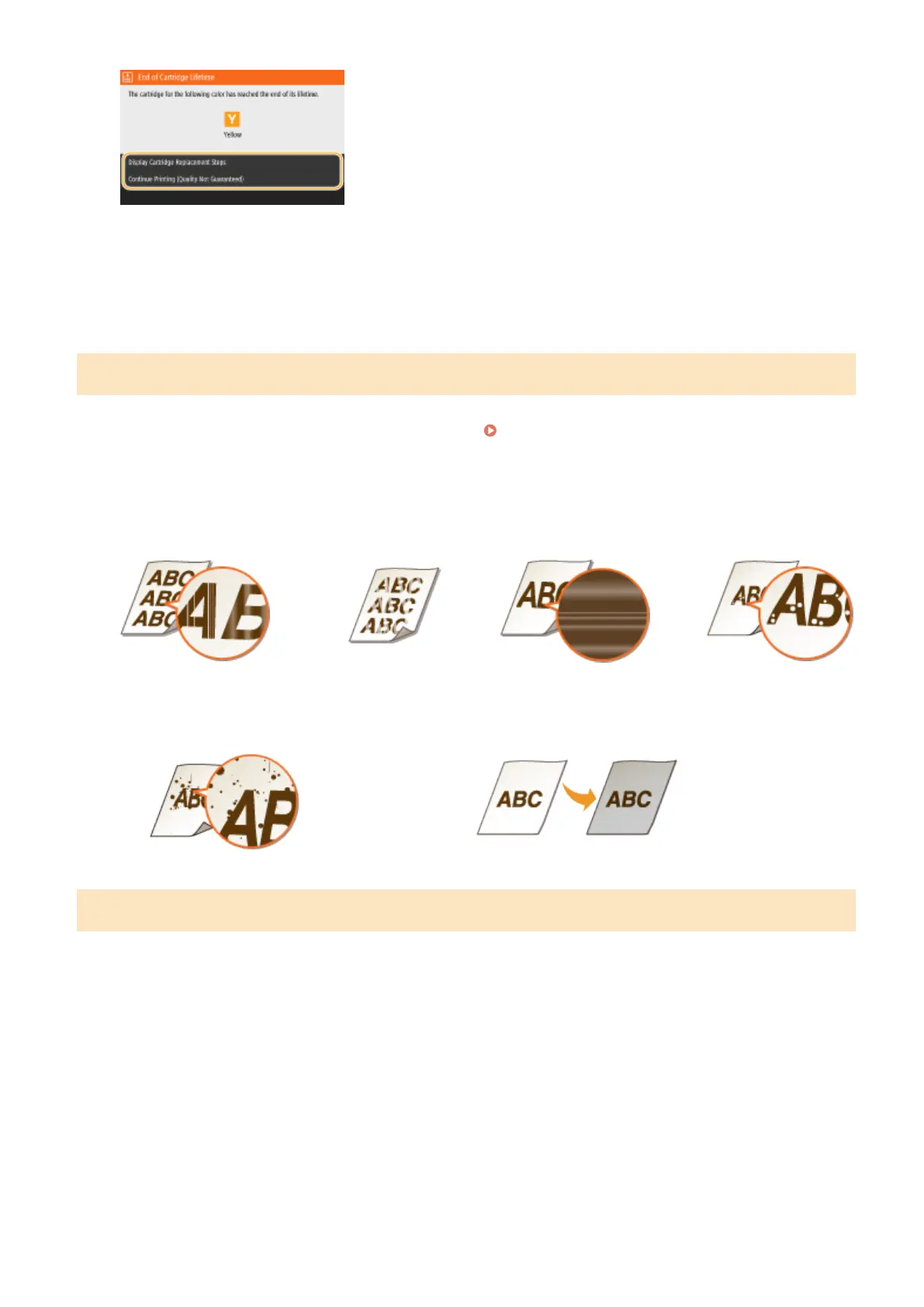
<Display Cartridge Replacement Steps >
Displays the procedure for replacing a toner cartridge.
< Continue Printing (Quality Not Guaranteed) >
You can continue printing, but the machine may malfunction.
When Printouts are Poor in Quality
If your printouts begin to show any of the following features, one of your toner cartridges is consumed. Replace the
nearly empty toner cartridge even if no message is displayed.
Procedure for Replacing the Toner
Cartridge(P. 586)
Streaks Appear/Printing is
Uneven
Partially faded
Uneven density
White Spots Appear
Toner smudges and splatters appear
Blank space of originals becomes grayish in printouts
Procedure for Replacing the Toner Cartridge
When you replace the toner cartridge, simple instructions on the replacement procedure are displayed on the screen.
See the on-screen instructions as well as the following procedure.
1
Open the front cover.
MF735Cdw / MF733Cdw / MF731Cdw
MF634Cdw / MF632Cdw
Maintenance
586









 To Next Page