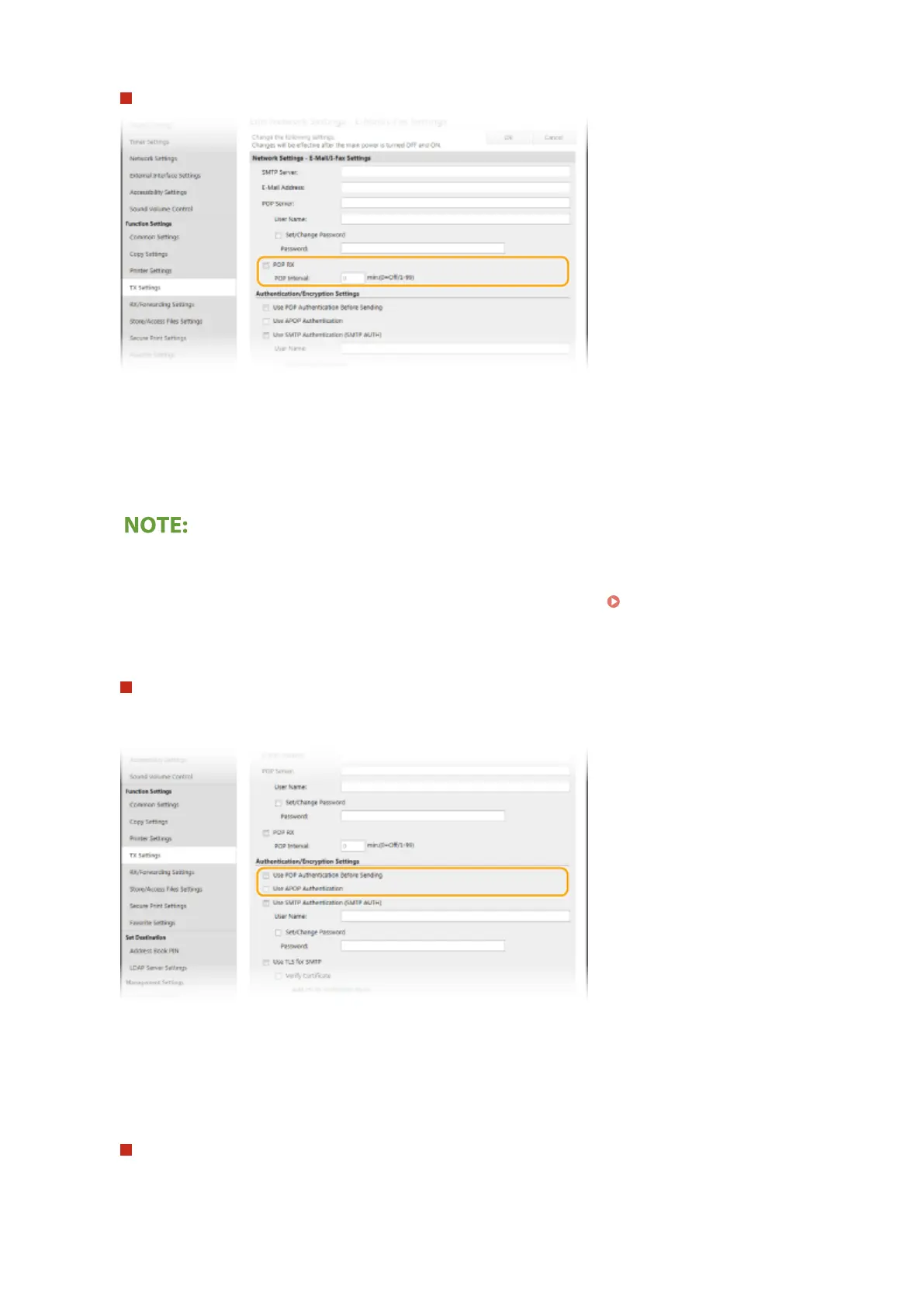
Specify the settings required for I-Fax reception
[POP RX]
Select the check box to receive I-Faxes.
[POP Interval]
This sets the interval (in minutes) used for automatically connecting to the POP3 server. If there are any I-Fax
documents on the server, they are automatically received and printed.
To disable automatic reception
● Set [POP Interval] to [0]. When [0] is set, you receive I-Faxes manually. Receiving I-Faxes
Manually(P. 255)
Conguring Pop Authentication before Sending
POP before SMTP authentication prevents unauthorized users from using e-mail and I-Faxes by performing
user authentication on the POP3 server.
[Use POP Authentication Before Sending]
To use the POP3 server for authentication before you send e-mail or I-Faxes, select the check box.
[Use APOP Authentication]
Select the check box to use APOP to encrypt the password during the authentication process.
Conguring SMTP authentication
If you congure SMTP authentication (SMTP AUTH), user identication by user name and password is
performed at the time of sending e-mail or I-Fax.
Setting Up
90









 To Next Page