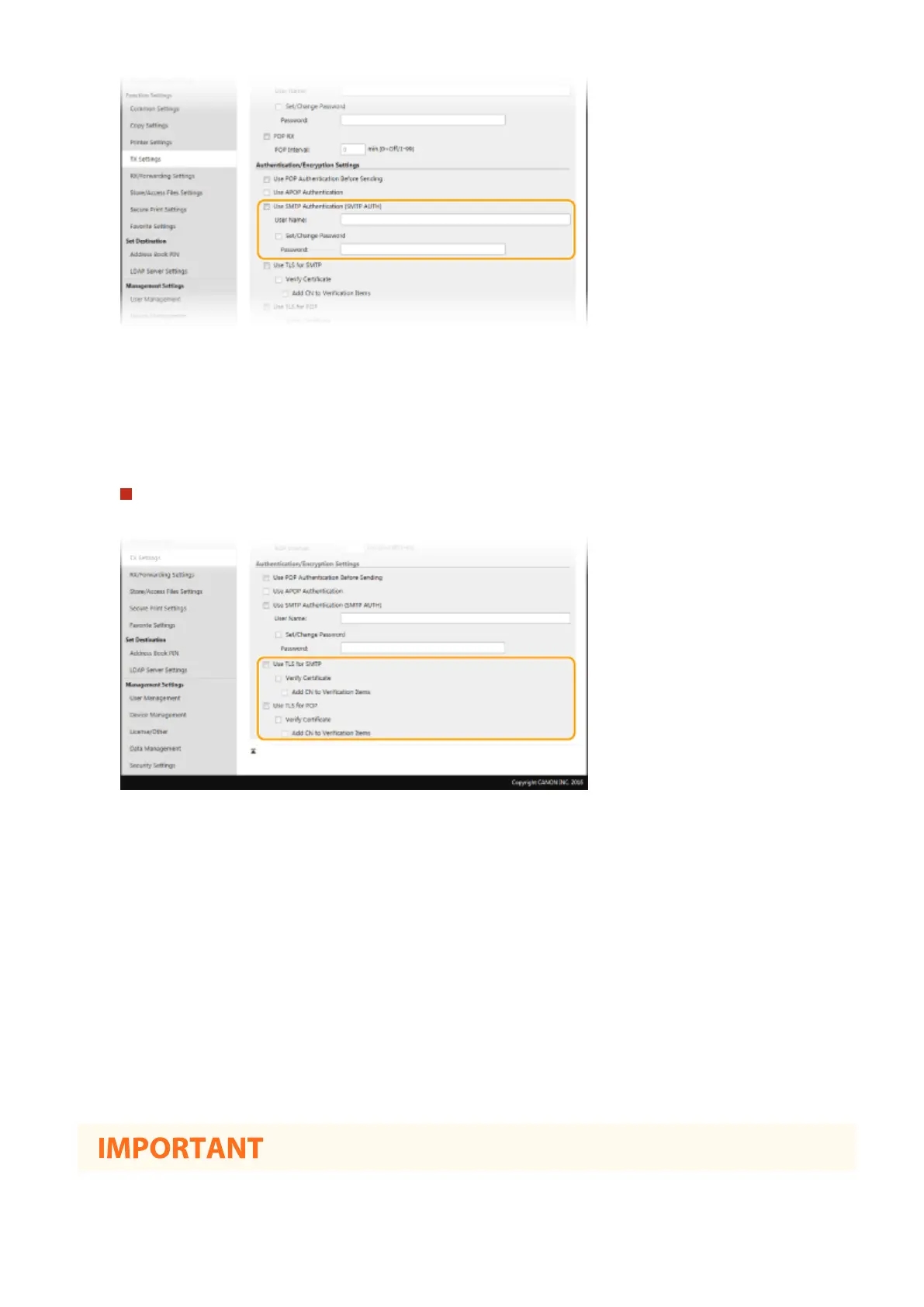
[Use SMTP Authentication (SMTP AUTH)]
To enable authentication on the SMTP server, select the check box and enter alphanumeric characters in the
[User Name] text box.
[Set/Change Password]
To specify or change the password, enter alphanumeric characters in the [Password] text box.
Conguring encrypted communication
You can congure encryption of communication with an SMTP or POP3 server.
[Use TLS for SMTP]
Select the check box to use TLS for encrypting communication with the SMTP server. Select the check box for
[Verify Certicate] or [Add CN to Verication Items] depending on your needs.
[Use TLS for POP]
Select the check box to encrypt communication with the POP3 server using TLS. Select the [Verify Certicate]
and [Add CN to Verication Items] check boxes as required.
6
Click [OK].
7
Restart the machine.
● Turn OFF the machine, wait for at least 10 seconds, and turn it back ON.
Setting Up
91









 To Next Page