Setting Item Description, Instructions
Interface
Setup
Ethernet
Driver
Spanning Tree Choose whether spanning-tree packets are supported over
the LAN.
MAC Address Indicates the MAC address.
Interface Print Print interface settings information.
Return Defaults Choose OK to restore Interface Setup settings to the default
values.
System
Setup
Sleep Timer Specify the period before the printer enters sleep mode.
Shut Down Timer Sets the time until the printer turns off automatically. If no op-
erations are performed on the printer for the duration of the
time set in Shut Down Timer after entering Sleep mode, the
printer automatically turns off.
Buzzer Choose On for the buzzer to sound in case of errors.
Contrast Adj. Adjust the Display Screen contrast level.
Date &
Time
Date Set the current date.
Time Set the current time. Available only if the Date setting is
specified.
Date Format Specify the date format.
Language Specify the language used on the Display Screen.
Time Zone Specify the time zone. Time zone options indicate a main city
in this time zone and the difference from Greenwich Mean
Time.
Length Unit Choose the display unit for length. Change the unit displayed
for the remaining amount of roll paper, Tot.Print Area, and
so on.
Detect Mismatch Specify printing behavior if the type and size of paper speci-
fied in the printer menu does not match the type and size in
the printer driver.
Choose Pause to have printing paused under these circum-
stances. Choose Warning to continue printing after notifica-
tion. Choose None to continue printing without notification.
Paper
Size Ba-
sis
Roll Selection 1 If roll size detection is activated, choose whether ISO A3
(297mm) or 300mm Roll is applied when a roll of an inter-
mediate width is detected.
Roll Selection 2 If roll size detection is activated, choose whether 10in.
(254mm) or JIS B4 (257mm) is applied when a roll of an in-
termediate width is detected.
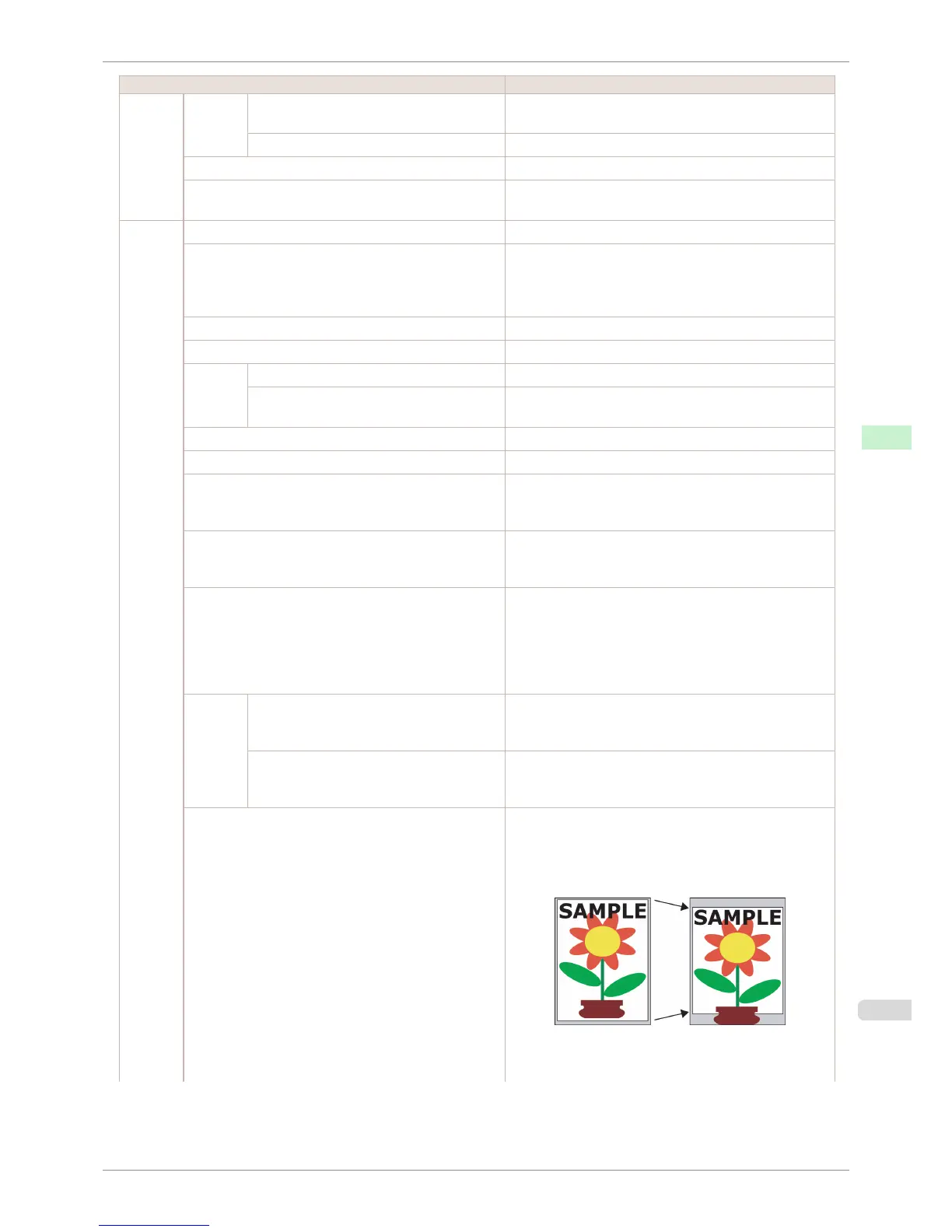
Keep Paper Size Choose On to use the paper size setting as the basis for
printing instead of other settings. The margin setting of the
printer menu will be used instead of the margin setting of the
printer driver if the latter is smaller, which may prevent text or
images in the margin from being printed.
Choose Off to give priority to margin settings. The larger val-
ue is used if the margin specified in the printer driver does
not match the margin in the printer menu
iPF760
Menu Settings
User's Guide
Control Panel Printer Menu
455















 To Next Page