39-56
Catalyst 6500 Series Switch Software Configuration Guide—Release 8.7
OL-8978-04
Chapter 39 Configuring the Switch Access Using AAA
Configuring Accounting on the Switch
Enabling Accounting
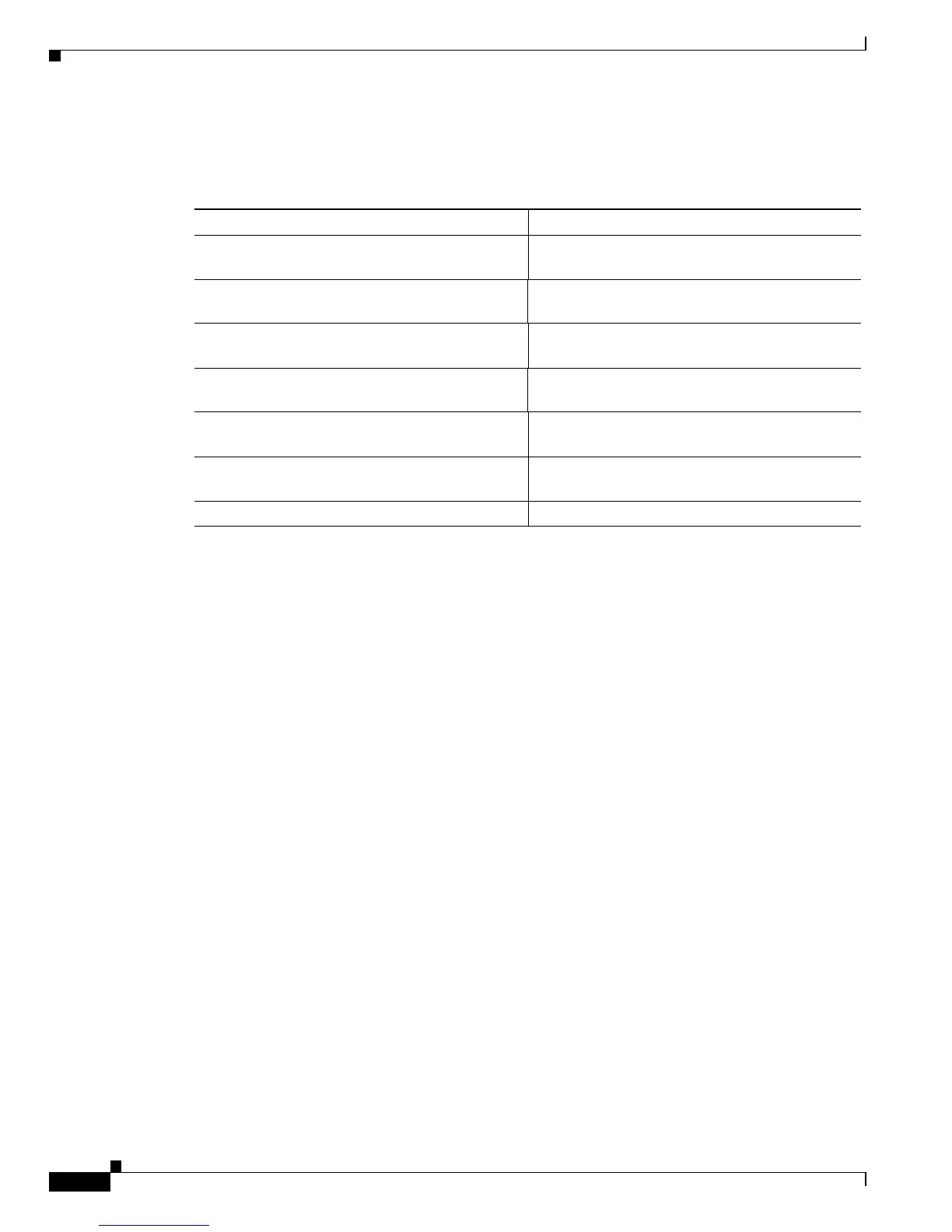
To enable accounting on the switch, perform this task in privileged mode:
This example shows how to enable the stop-only TACACS+ accounting events:
Console> (enable) set accounting connect enable stop-only tacacs+
Accounting set to enable for connect events in stop-only mode.
Console> (enable)
Console> (enable) set accounting exec enable stop-only tacacs+
Accounting set to enable for exec events in stop-only mode.
Console> (enable)
Console> (enable) set accounting system enable stop-only tacacs+
Accounting set to enable for system events in stop-only mode.
Console> (enable)
Console> (enable) set accounting commands enable all stop-only tacacs+
Accounting set to enable for commands-all events in stop-only mode.
Console> (enable)
This example shows how to suppress accounting of unknown users:
Console> (enable) set accounting suppress null-username enable
Accounting will be suppressed for user with no username.
Console> (enable)
This example shows how to update the server periodically:
Console> (enable) set accounting update periodic 120
Accounting updates will be periodic at 120 minute intervals.
Console> (enable)
Task Command
Step 1
Enable accounting for connection events. set accounting connect enable {start-stop |
stop-only} {tacacs+ | radius}
Step 2
Enable accounting for EXEC mode. set accounting exec enable {start-stop |
stop-only} {tacacs+ | radius}
Step 3
Enable accounting for system events. set accounting system enable {start-stop |
stop-only} {tacacs+ | radius}
Step 4
Enable accounting of configuration commands. set accounting commands enable {config | all}
{stop-only} tacacs+
Step 5
Enable suppression of information for unknown
users.
set accounting suppress null-username enable
Step 6
Configure accounting to be updated as new
information is available.
set accounting update {new-info | {periodic
[interval]}}
Step 7
Verify the accounting configuration. show accounting













 To Next Page