DLS 4 / DLS 8 / 8 PLUS / DLS 16 / 16 PLUS
115Dallmeier electronic
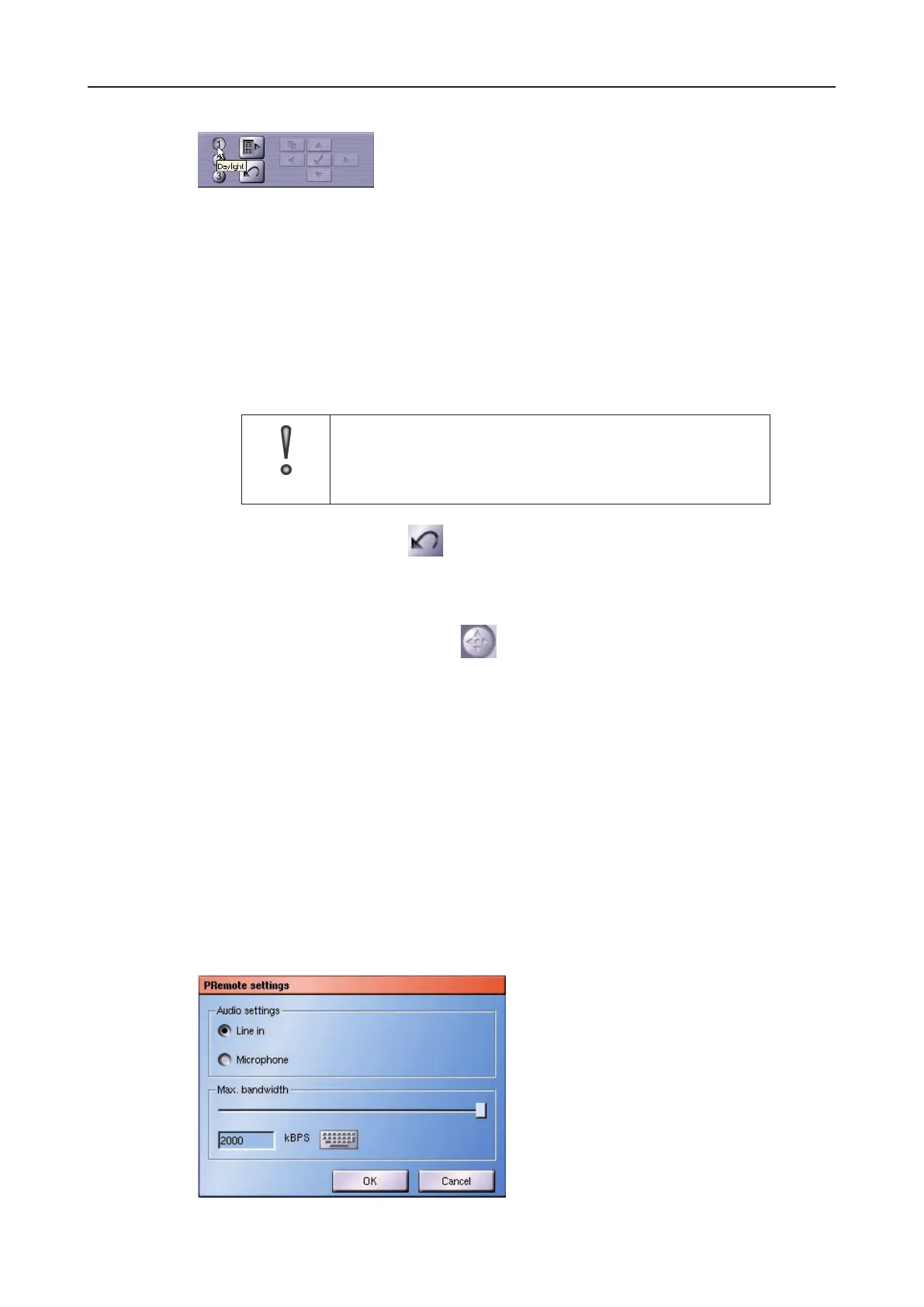
Fig. 15-16
If you move the mouse pointer the relevant button, the tool tip will be displayed with the
new designation.
15.2.5 Reset camera settings
All the individual settings can be reset and the camera can be returned to its factory con-
guration.
IMPORTANT
If you reset the camera conguration, all your individual settings,
including the settings you have saved for the direct selection
process, will be lost.
Ø Click on Reset camera.
15.2.6 EndUTCcameraconguration
Ø Click on Camera control again.
15.3 PRemote
Normally the picture and audio will be transferred via the LAN or WAN in recording format
H.264. However, this can result in errors during playback caused by an external application
(for example in PView) if the available bandwidth is too low.
In this case the external application can request the picture and audio data using the PRemote
recording function (if this has been enabled).
The PRemote function makes picture and audio data available to external applications in
a format that requires less bandwidth and can also be scaled (MPEG4 rather than H.264).
This makes it possible to achieve uid playback even with low bandwidth although a loss
of picture quality must be accepted in this case.
ØTo congure the PRemote function, open the PRemote Settings dialog via Setup >
Interfaces > PRemote.
Fig. 15-17: PRemote settings dialog



 To Next Page