DLS 4 / DLS 8 / 8 PLUS / DLS 16 / 16 PLUS
90Dallmeier electronic
NOTE
The function of a camera contact (break or make contact) can
be set in Setup > Interfaces > Camera Contacts.
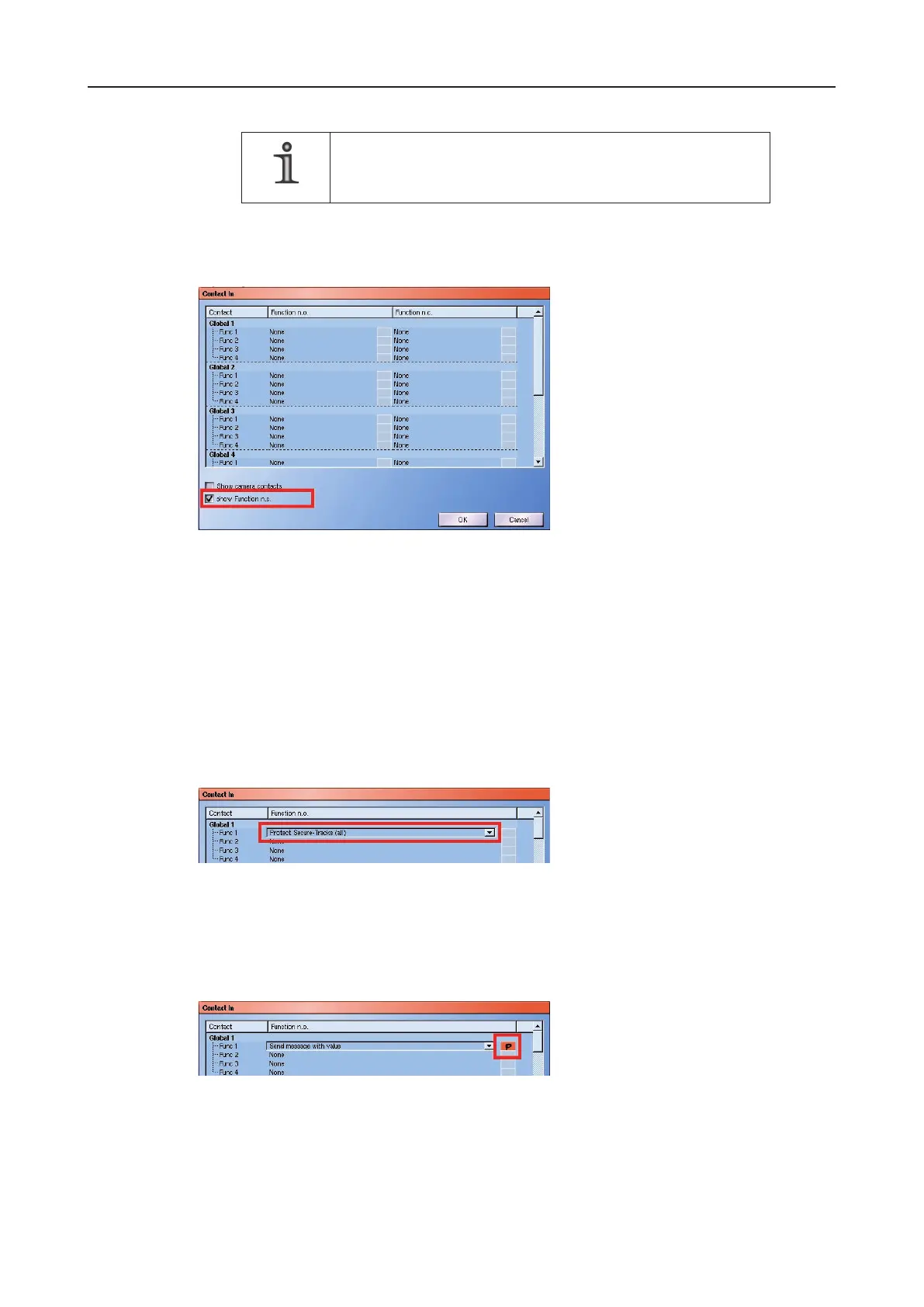
The conguration of the functions for the so-called Function n.c. is displayed when the
show Function n.c. checkbox is checked.
Fig. 12-3: show Function n.c.
These functions are set in exactly the same way as the functions for the Function n.o.
(see below).
12.3 Setting
Every contact input can be assigned 4 functions for the Function n.o. and the Function
n.c.. These are executed in order when the contact is switched or released.
Ø Click on one of the Function 1 - 4 lines for the relevant contact to set a function.
Fig. 12-4: Select a function
Ø Select the relevant function from the drop-down box.
So-called contact parameters also have to be declared for some functions. This is indicated
by displaying an orange button next to the function name.
Fig. 12-5: Contact parameters button
Ø Click on Contact parameters.
The Contact Parameters dialog will appear.
Ø Make the required settings and conrm them by clicking on OK.



 To Next Page