Dexcom G5 Mobile System User Guide
148Ending Your Sensor Session and Transmitter Session
(Continued from previous page)
Step What you see What you do
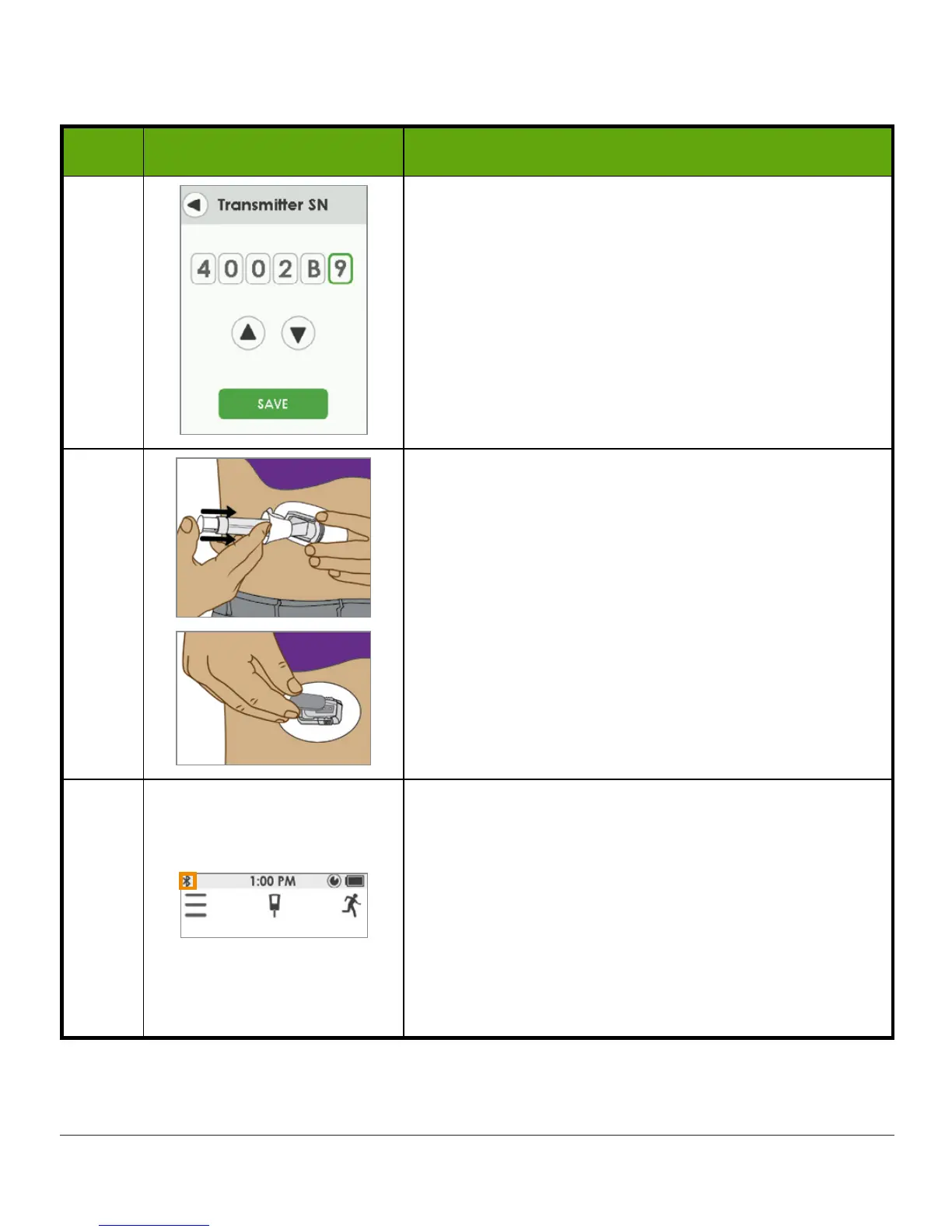
6d
Tap
up/down arrows
to select and enter transmitter
SN.
Tap
number
to select it. To choose a letter, tap up
from 9 or down from 0.
Tap
Save
to save and close.
7
Insert
sensor
and attach
transmitter
.
See Chapter 6 for more information.
8
Make sure
receiver
and
transmitter
are
connected/paired.
Check
receiver
10 minutes after starting for
Bluetooth
icon:
• Solid: Connected/Paired
• Blinking: Searching/Not Paired
Don’t start a new sensor session until they are
paired.



 To Next Page