Dexcom G5 Mobile System User Guide
357Troubleshooting
(Continued from previous page)
Device What you see Problem What you do
Receiver
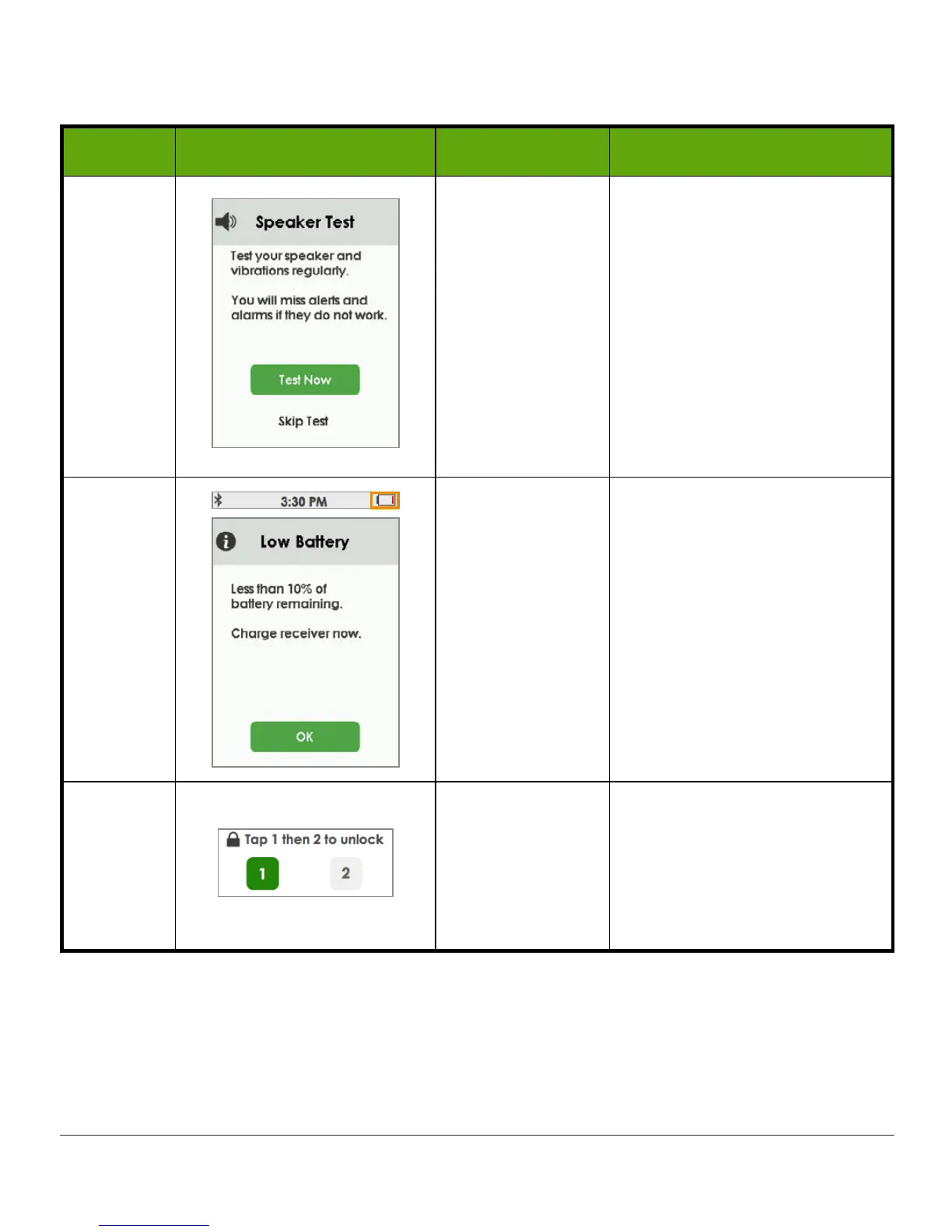
Don’t hear or
feel Alarm/Alerts
or notifications.
Tap Test Now and follow
directions on screen (see
Chapter 11 for detailed
instructions) to test
speaker/vibrations.
If speaker/vibrations don’t
work, you won’t hear Alarm/
Alerts. Contact Technical
Support (available 24/7):
Use app until issue is fixed.
Receiver
Receiver low
battery icon and
notification.
See Chapter 4.
Charge
receiver
.
Receiver
Unlock required
to act.
This is a safety feature to
prevent accidental screen
taps when receiver is in a
pocket, bag, etc.
To continue, tap 1, then 2.
(Continued on next page)



 To Next Page