Dexcom G5 Mobile System User Guide
358Troubleshooting
(Continued from previous page)
Device What you see Problem What you do
Receiver
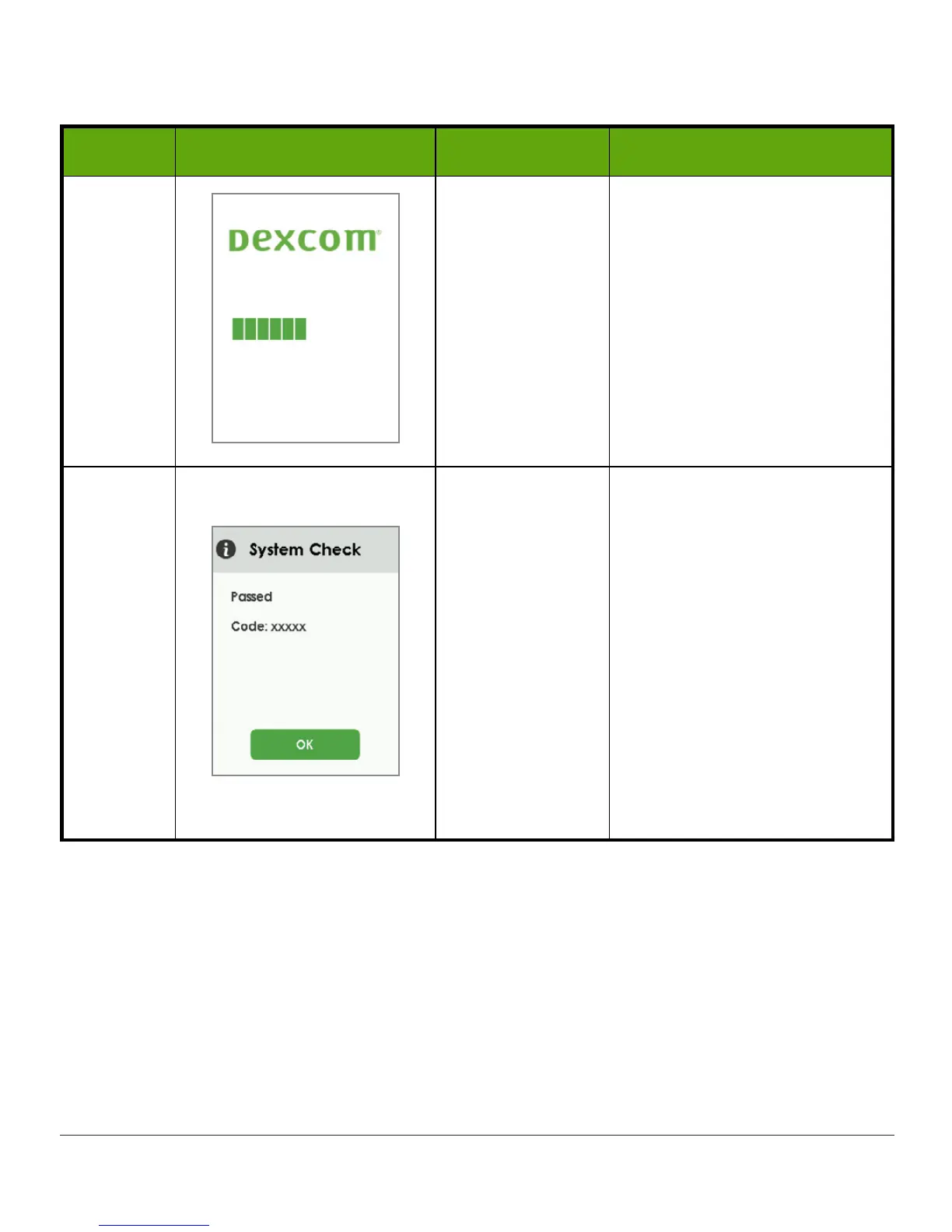
Loading screen
displays
unexpectedly.
Wait a few minutes for
System Check
screen.
See next two rows for
System Check Passed and
System Check Error Found
instructions.
If loading screen displays
for more than 3 minutes,
contact Technical Support
(see Chapter 19).
Receiver
System check
results (xxxxx
displays as a
code).
Do nothing.
Receiver is able to continue
to work and recover from an
error.
Tap
OK
to confirm Alert.
If the same code displays
repeatedly, write down
the error code and contact
Technical Support (see
Chapter 19).
Use BG meter for BG reading
until resolved.
(Continued on next page)



 To Next Page