Dexcom G5 Mobile System User Guide
388Sharing Is Caring
(Continued from previous page)
Step What you see What you do
2
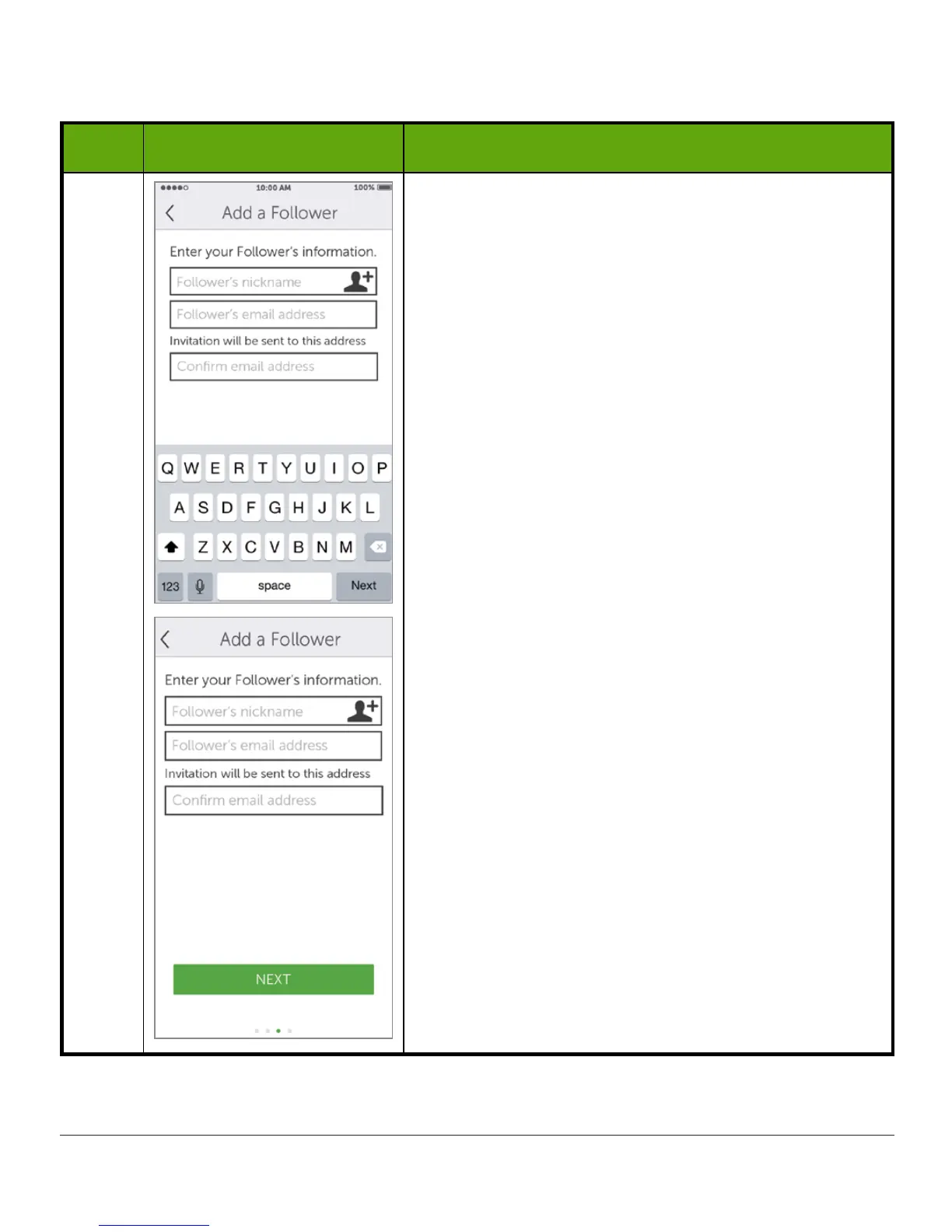
Enter the Follower’s nickname and email address.
Confirm Follower’s email address.
The Follower will get a Follow Invitation email.
Make sure the Follower can access this email
account from his/her smart device.
Tap
Next
.
(Continued on next page)



 To Next Page