Dexcom G5 Mobile System User Guide
389Sharing Is Caring
(Continued from previous page)
Step What you see What you do
3
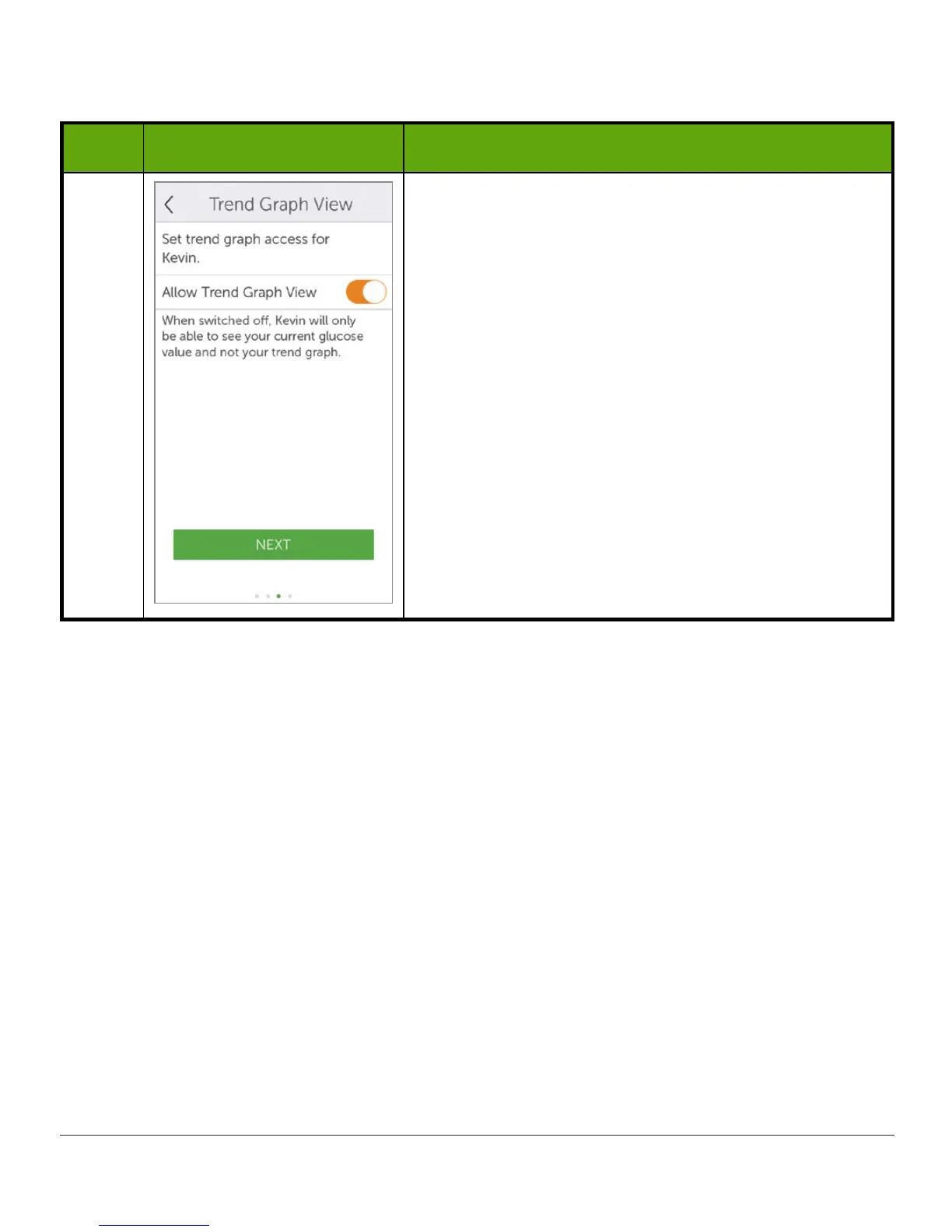
Slide
Allow Trend Graph View’s on/off
switch
if you
want Follower to see your trend graph.
Tap
Next
.
Turned off: Follower sees only your sensor glucose
reading and trend arrow.
Turned on: Follower sees your sensor glucose
reading, trend arrow, and trend graph.
(Continued on next page)



 To Next Page