Dexcom G5 Mobile System User Guide
60Set Up Your Display Devices
(Continued from previous page)
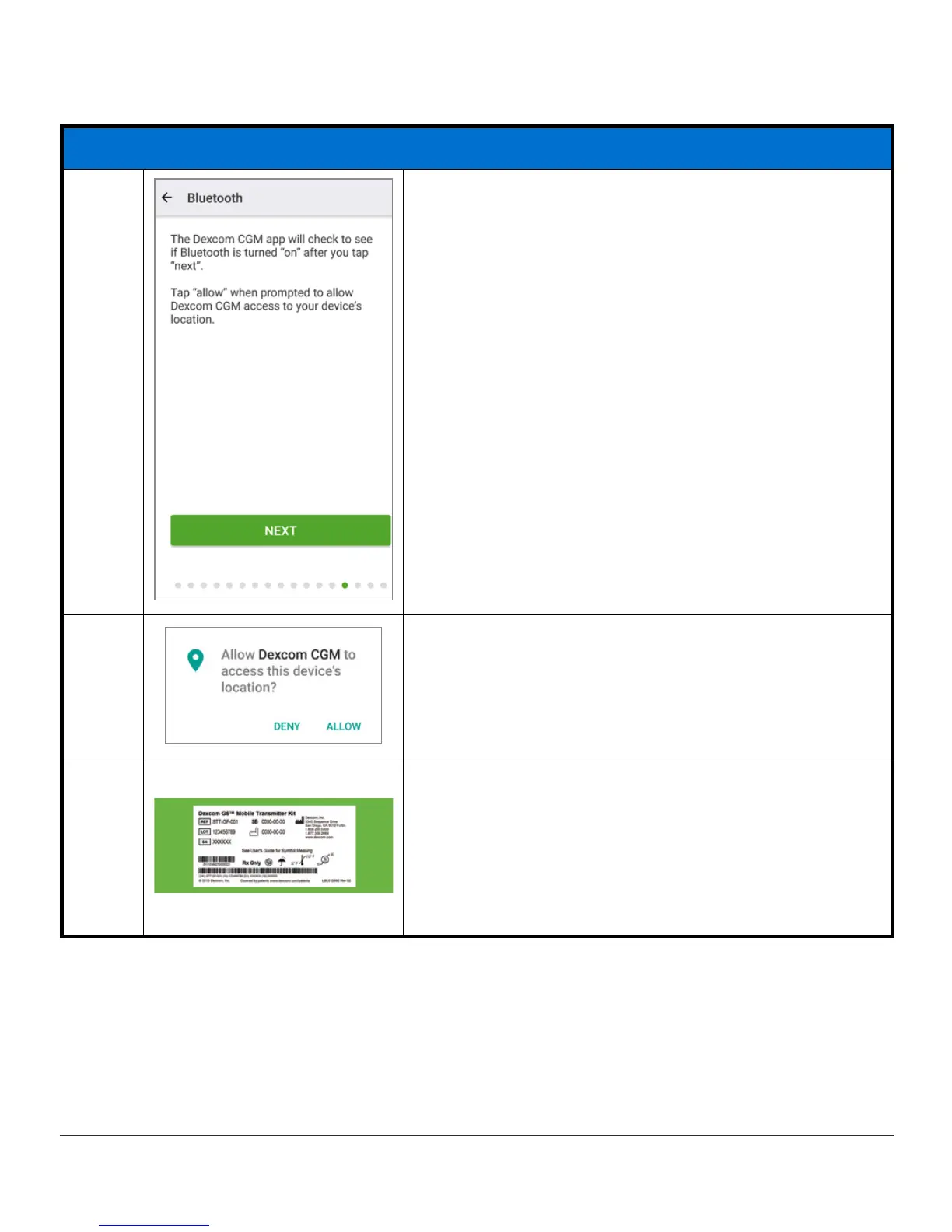
Connecting/Pairing Transmitter With App
11b
Android 6+:
To use Bluetooth, you must let the app use your
location.
11c
Android 6+:
To use
Bluetooth
, tap Allow.
12a
Get your transmitter box.
Turn transmitter box upside down on a flat surface
with barcodes facing up.
For information on how to pair transmitter after
initial setup, see Chapter 8.
(Continued on next page)



 To Next Page