Dexcom G5 Mobile System User Guide
85Starting a Sensor Session: Inserting Sensor, Attaching Transmitter, and Starting Your Session
(Continued from previous page)
Step Picture What you do
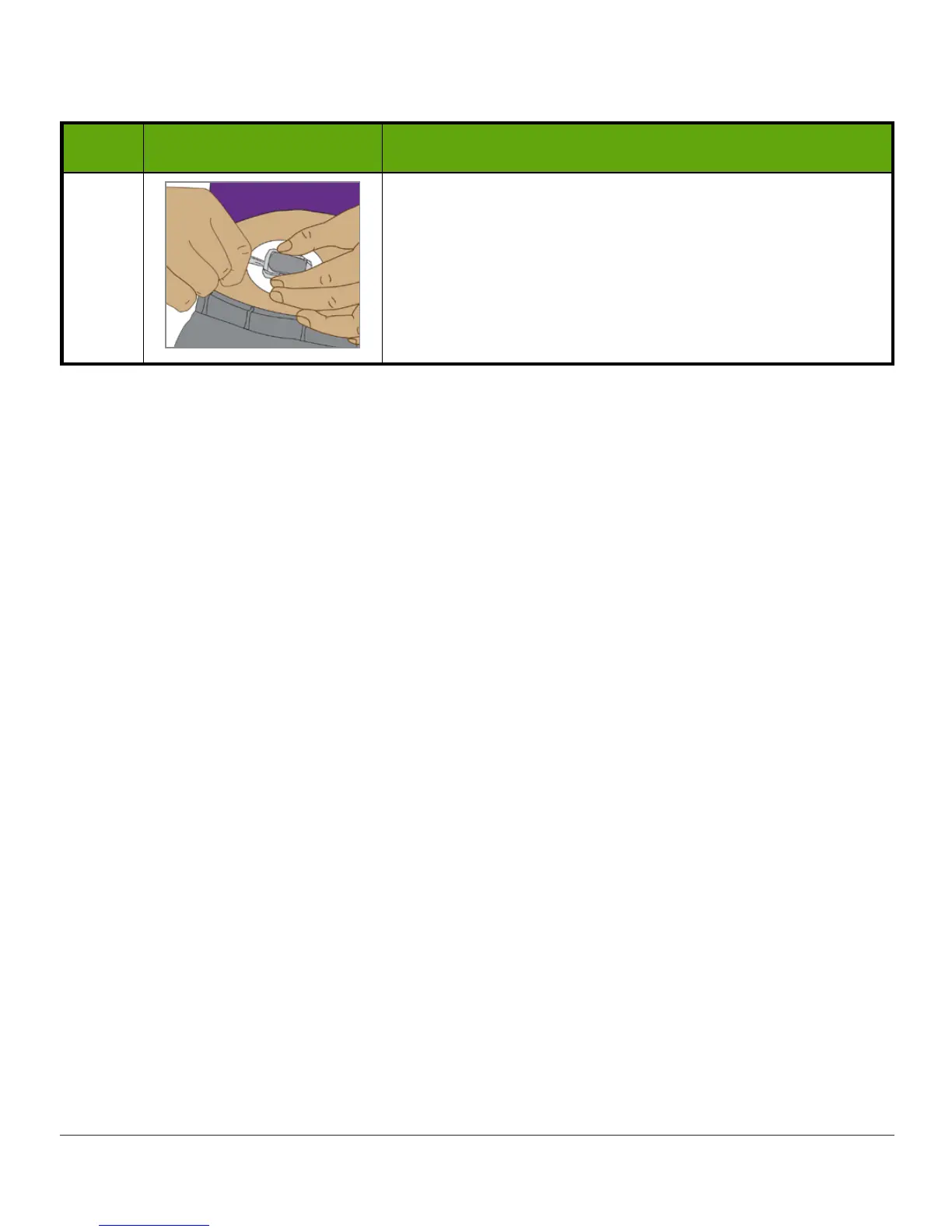
6
Hold
sensor pod sides
with one hand.
Twist
latch
away from your body with other hand.
Remove
latch
.
Don’t remove
transmitter
while sensor pod is attached
to skin.
You’re almost done starting your sensor session!
Inserting the sensor, attaching the transmitter, and the two-hour sensor warmup are the
same regardless of whether you use the receiver or app.
No matter which display device you use, you’ll insert the sensor and attach the transmitter
only once during your seven-day sensor session.
The remaining steps vary from app to receiver:
1. Letting your device know you need to start the sensor warmup.
2. Following your warmup countdown.



 To Next Page