Enabling conditions of FAPA
● The engine is started;
● The ultrasonic sensor is free of fault;
● The panoramic camera is free of fault;
● The associated system is free of fault;
● The vehicle remains stationary;
● All doors are closed;
● The driver's seat belt is fastened (except
remote parking).
Park-in operation
1. Start the engine, set the shift lever to “D”
position, and press the FAPA button in
the shortcut menu bar on the touch screen of the
MP5 system to activate the FAPA and
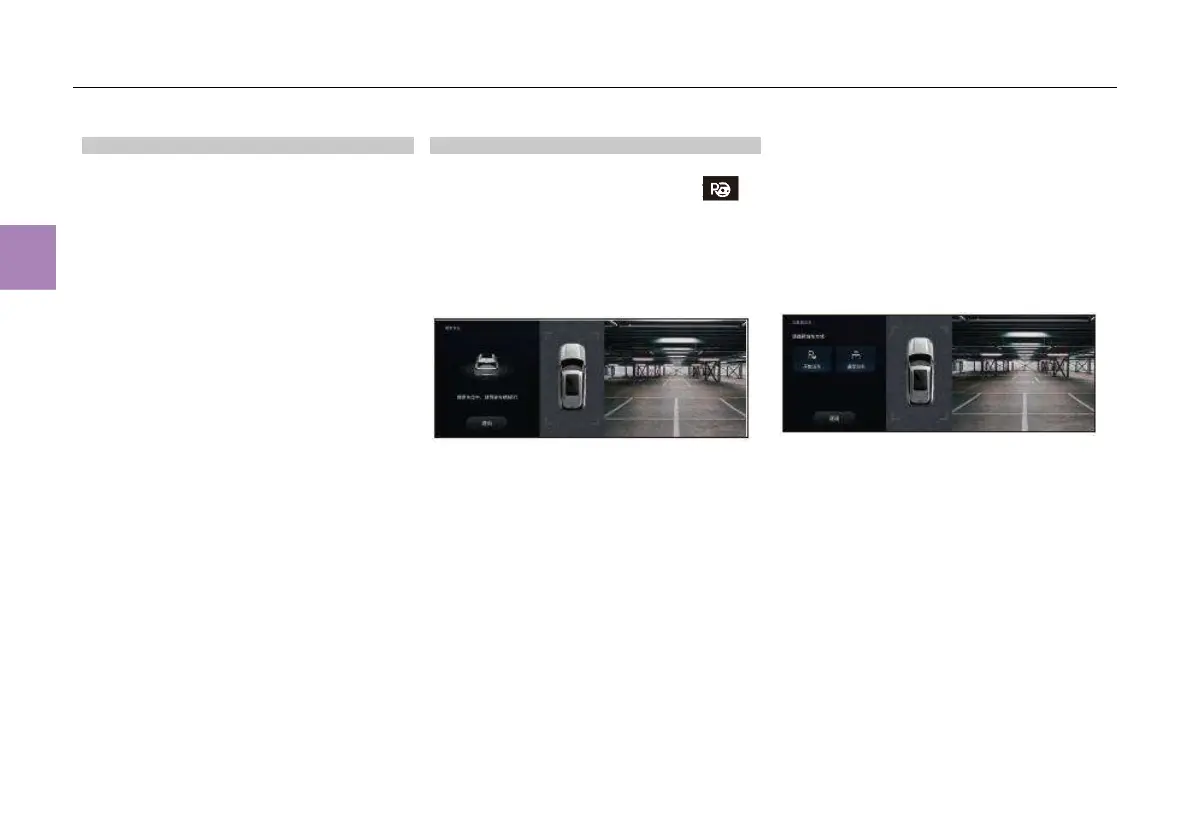
automatically enter the parking space search
interface:
Parking space search interface displayed on
the touch screen of the MP5 system:
2. Control the vehicle speed within 30km/h and
keep the vehicle running in a straight line. The
system starts to find a parking space. When the
system finds a parking space, the touch screen
of the MP5 system will show “A parking space
is found. Please park” and the currently
searched alternative parking spaces;
3. Touch the parking space icon on the touch
screen to select the required parking space;
4. After the parking space is selected, the
parking mode selection interface is displayed on
the screen of the MP5 system. In this case,
select “Start parking”;
Prompt displayed on the touch screen of the
MP5 system:
5. After the parking space is selected, the touch
screen of the MP5 system will show “Please
release the brake pedal and take the hands
off the steering wheel”. After the driver
confirms the surrounding environment is safe,
release the brake pedal and take the hands off
the steering wheel. Then the system will
automatically park the vehicle in the parking
space until the touch screen of the MP5 system
shows “Parking succeeds. Please take over
the vehicle”. In this way, the vehicle is parked.



 To Next Page