Patch 111
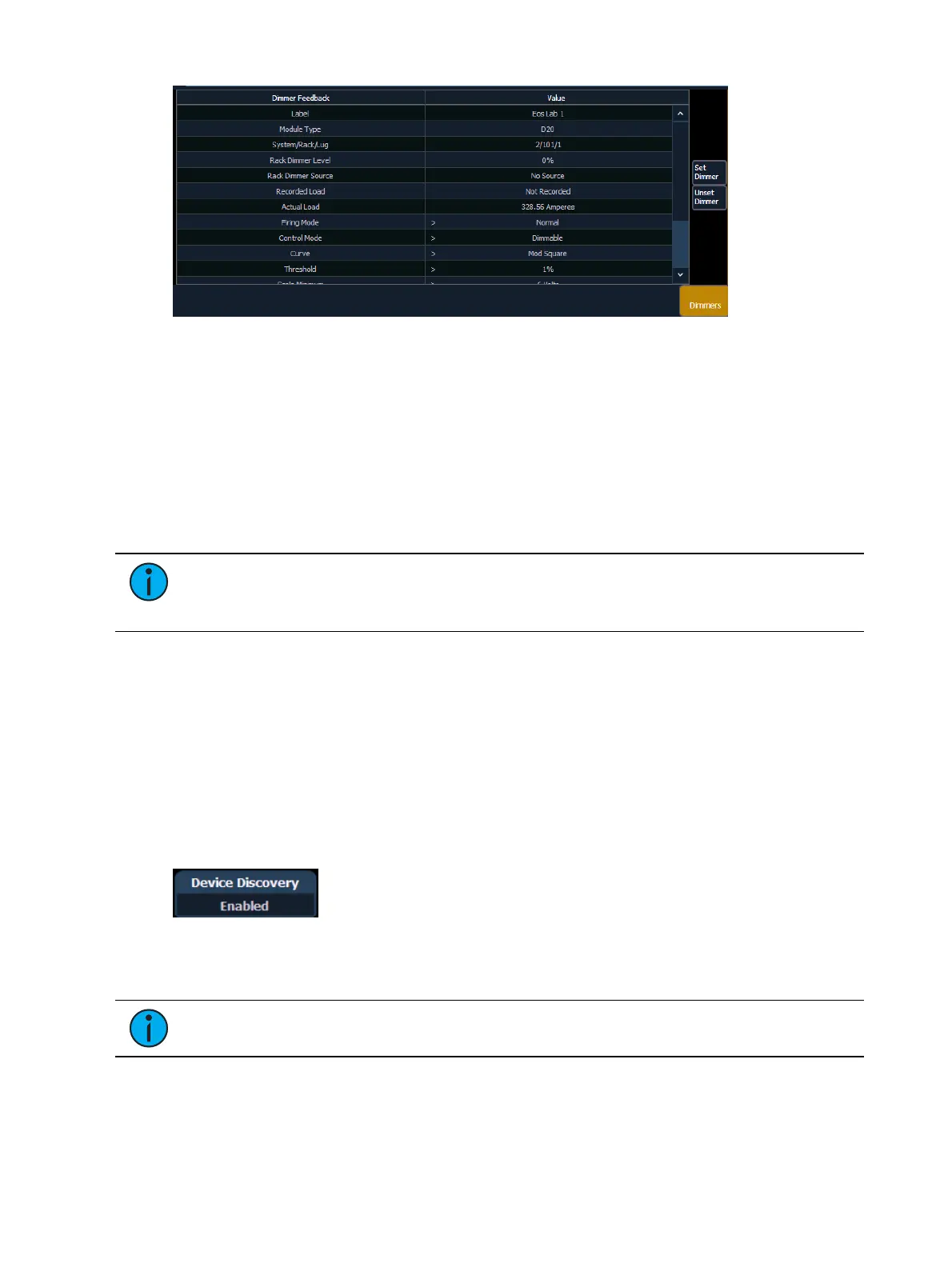
FDX dimmers will not display data for the following:
Recorded Load
Actual Load
Rack Dimmer Source
Threshold
Scale Minimum
Preheat Enable
Preheat Timing
AF Enable
Note: When dimmers are discovered, they are not automatically attached to patched
channels in Element; you must attach a dimmer to a channel. See Patching Discovered
Dimmers and RDM Devices (on page113)
RDM Device List
Before you can start using the RDM Device List, you must first enable {RDM} for the appropriate
DMXports in Setup > System > Output, or for the appropriate ethernet ports in the Network
ECU tab. By default RDM is disabled. See
Outputs (on page138)
or
Interface Protocols (on
page416)
If using Network RDM, this must be done via an ETC Net3 Gateway and RDM must
also be enabled on the DMX ports of the Gateway. The Gateway needs to be running version
5.1 or newer.
Open the RDM Device List while in the patch display by pressing {Device List}> {RDM}.
You will need to make sure that {Device Discovery} is enabled.
{Device Discovery} is disabled by default. The {Device Discovery} option will not display if {RDM}
is disabled in the ECU.
Note: {Device Discovery} will automatically disable when you leave the patch display.
When the RDM device list is opened, the devices will be displayed in Patch by Address mode. At
the top of the list is a RDM indicator. This indicator shows incoming and outgoing RDM traffic.



 To Next Page